Platform-Specific Code Explained: React Native, Flutter & KMP Best Practices
: Master Java Generics with our complete guide. Learn type parameters, wildcards, real-world patterns, and best practices with practical code examples. Elevate your Java skills today.
Ever felt the cross-platform struggle? You build this slick app that runs everywhere, but then you hit a wall. Maybe the Android back button just doesn't feel right on iOS, or you need to access that one specific sensor that behaves differently on each device. Welcome to the world where platform-specific code isn't a bug—it's a superpower.
Think about it. You don't use the same key for your house, car, and office, right? Similarly, iOS and Android are different "locks" requiring the right "key" for the best experience. Platform-specific code is that key. It’s the secret sauce that lets your app look, feel, and function like it was born for the device it's running on.
If you're trying to launch an app fast without sacrificing that polished, native feel, you're in the right place. Let’s break down what this means for your projects.
What is Platform-Specific Code, Really?
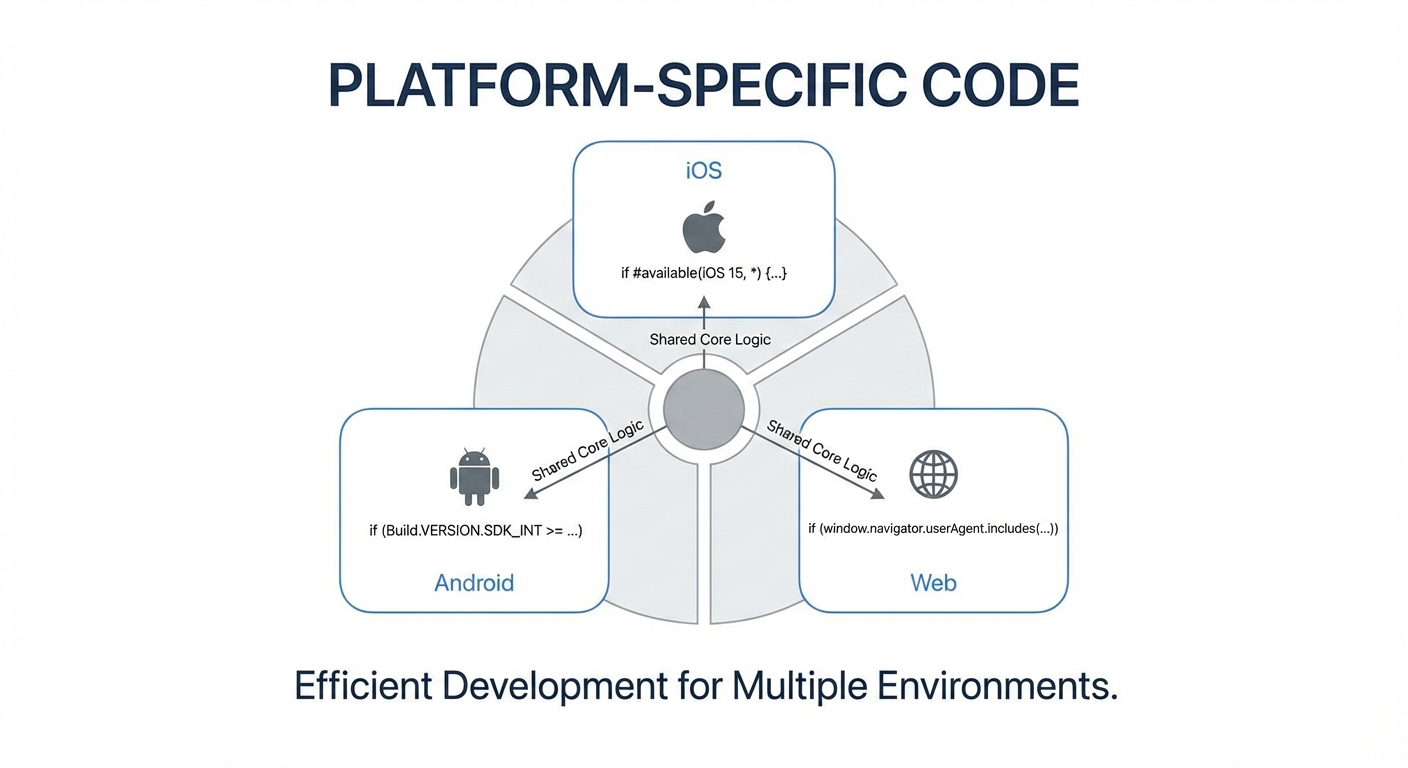
In simple terms, platform-specific code is a piece of software written to work on one particular operating system or hardware platform. It’s the opposite of "write once, run anywhere." Instead, it's "write for iOS, run perfectly on iOS. Write for Android, run perfectly on Android."
Why would you do this in a world obsessed with code reuse?
Access Native APIs: Want to use Apple's Face ID or HealthKit on iOS? Or tap into Android's built-in sharing menu? These features live in the platform's native SDK and often require you to write code specifically for that ecosystem.
Follow Platform Conventions: iOS users expect certain swipe gestures. Android users are familiar with a different navigation structure. Your app feels more intuitive and professional when it speaks the user's design language.
Optimize Performance: Sometimes, the most efficient way to do something—like complex image processing or file I/O—is to use the tools the platform provides natively.
The goal isn't to write two completely separate apps. Modern frameworks give you smart tools to keep 80-90% of your code shared and only dive into platform-specific logic when it truly matters.
How Different Frameworks Handle It: A Quick Tour
Developers have built some brilliant tools to manage this split. Here’s how the big players do it.
React Native: The Pragmatic Detector
React Native takes a super practical approach. It gives you a Platform module that acts like a detective, figuring out which OS your app is running on. You can then make small tweaks right in your shared code.
javascript
import { Platform, StyleSheet } from 'react-native';

const styles = StyleSheet.create({
  container: {
    paddingTop: Platform.OS === 'ios' ? 20 : 10, // Different padding for iOS status bar
    backgroundColor: Platform.select({
      ios: 'white',
      android: 'lightgray',
    }),
  },
});
For bigger differences, like entirely separate components, you use platform-specific file extensions. Just name your files Button.ios.js and Button.android.js. When you import Button, React Native automatically picks the right one. It’s clean and requires no extra logic.
Flutter: The Bridge Builder
Flutter’s approach is like building bridges between islands. Your Flutter app (written in Dart) is one island, and the native platform (Kotlin/Java for Android, Swift/Objective-C for iOS) is another.
To communicate, you use platform channels. Think of them as dedicated phone lines. You send a message ("get the battery level") from Dart, and the native side picks up, runs the platform-specific code, and sends the result back.
dart
// In your Flutter (Dart) code
final batteryChannel = MethodChannel('samples.flutter.dev/battery');
String batteryLevel = await batteryChannel.invokeMethod('getBatteryLevel');
The beauty is that all the complex, native Kotlin or Swift code to actually read the battery is neatly tucked away in its own files, separate from your UI logic.
Kotlin Multiplatform (KMP): The Architect
KMP is for teams who want to share deep business logic, not just UI. It uses a brilliant language feature called expected and actual declarations.
You declare a function in your shared common code with expect.
kotlin
// In commonMain - shared code
expect fun getDeviceId(): String
Then, you implement it for each platform with actual.
kotlin
// In androidMain
import android.provider.Settings
actual fun getDeviceId(): String = Settings.Secure.ANDROID_ID

// In iosMain
import platform.UIKit.UIDevice
actual fun getDeviceId(): String = UIDevice.currentDevice.identifierForVendor.toString()
The compiler weaves it all together. It’s a structured, type-safe way to handle platform dependencies and is a favorite for companies sharing complex logic across Android, iOS, and even web.
Real-World Use Cases: Who's Doing This and Why?
This isn't just theory. Companies of all sizes use these techniques to ship better products faster.
Startups & Greenfield Projects: When Instabee wanted to expand from Android to iOS, they used Kotlin Multiplatform with Compose Multiplatform to share not just logic but most of their UI. This let them launch their iOS app much faster than building it from scratch.
Small & Medium Businesses: The team behind Down Dog, a popular yoga app, uses a "maximum shared Kotlin" strategy. They write almost all their app logic once with KMP but keep the final UI layer native to ensure it feels perfectly at home on each device.
Large Enterprises & SDKs: Philips uses KMP in its HealthSuite Digital Platform mobile SDK. This ensures that the core health data logic behaves identically whether a hospital is using an Android or iOS app, simplifying development for their partners.
The pattern is clear: share what’s common (business rules, data models, networking), and customize what the user sees and touches (UI, navigation, platform-exclusive features).
Best Practices: Keeping Your Code Clean
Diving into platform-specific code can get messy if you're not careful. Here’s how the pros keep it tidy:
Abstract, Don't Duplicate: Don't scatter
if (Platform.OS...)checks everywhere. Create a common interface or abstract class. For example, aLocationServiceinterface with platform-specific implementations keeps your core code clean.Use the Framework's Conventions: Stick to the patterns your framework provides. Use
.ios./.android.files in React Native,expect/actualin KMP, and well-structured platform channels in Flutter. Don't reinvent the wheel.Favor Community Plugins: Need camera access? Before writing custom channel code, check if a well-maintained Flutter plugin like
cameraorgeolocatorexists. It can save you months of work and maintenance.Keep Business Logic Shared: The golden rule. Your app's unique rules—how a shopping cart totals items, how a workout is calculated—should live in the shared layer. Platform code should only handle how those results are presented or accessed.
Your FAQs, Answered
Q: Doesn't this defeat the purpose of cross-platform development?
A: Not at all! The purpose is efficiency and consistency, not dogmatic code reuse. You still write most of your app once. Platform-specific code is a strategic tool for the parts where you need to be different, ensuring a high-quality result.
Q: When should I start thinking about platform-specific code?
A: From day one. During your initial app design, identify features that are core to your product (share everywhere) and those that are platform-dependent (like payment integrations or specific hardware use). This planning prevents messy refactoring later.
Q: Is my app going to be more buggy?
A: If done poorly, yes—you now have more places for bugs to hide. But if you follow the best practices above—clear abstractions, using the framework’s tools, and thorough testing on both platforms—it can actually make your app more stable. Each platform’s code can be optimized for that environment.
Conclusion: The Balanced Approach Wins
Mastering platform-specific code is what separates good cross-platform apps from great ones. It’s the acknowledgment that while iOS and Android users want the same core service, they live in different digital worlds with different rules.
The most successful teams aren't the ones who avoid native code at all costs. They're the ones who use frameworks like React Native, Flutter, and Kotlin Multiplatform as a powerful foundation for shared logic, and then confidently apply the right native tools where it counts to deliver an exceptional, platform-authentic experience.
To learn professional software development courses such as Python Programming, Full Stack Development, and MERN Stack—where you’ll tackle real-world challenges like integrating platform-specific features—visit and enroll today at codercrafter.in. Build the skills to not just make apps that work everywhere, but that feel like they belong everywhere.









