Your Digital Handshake: The Ultimate Guide to Building a Killer Portfolio App in 2025
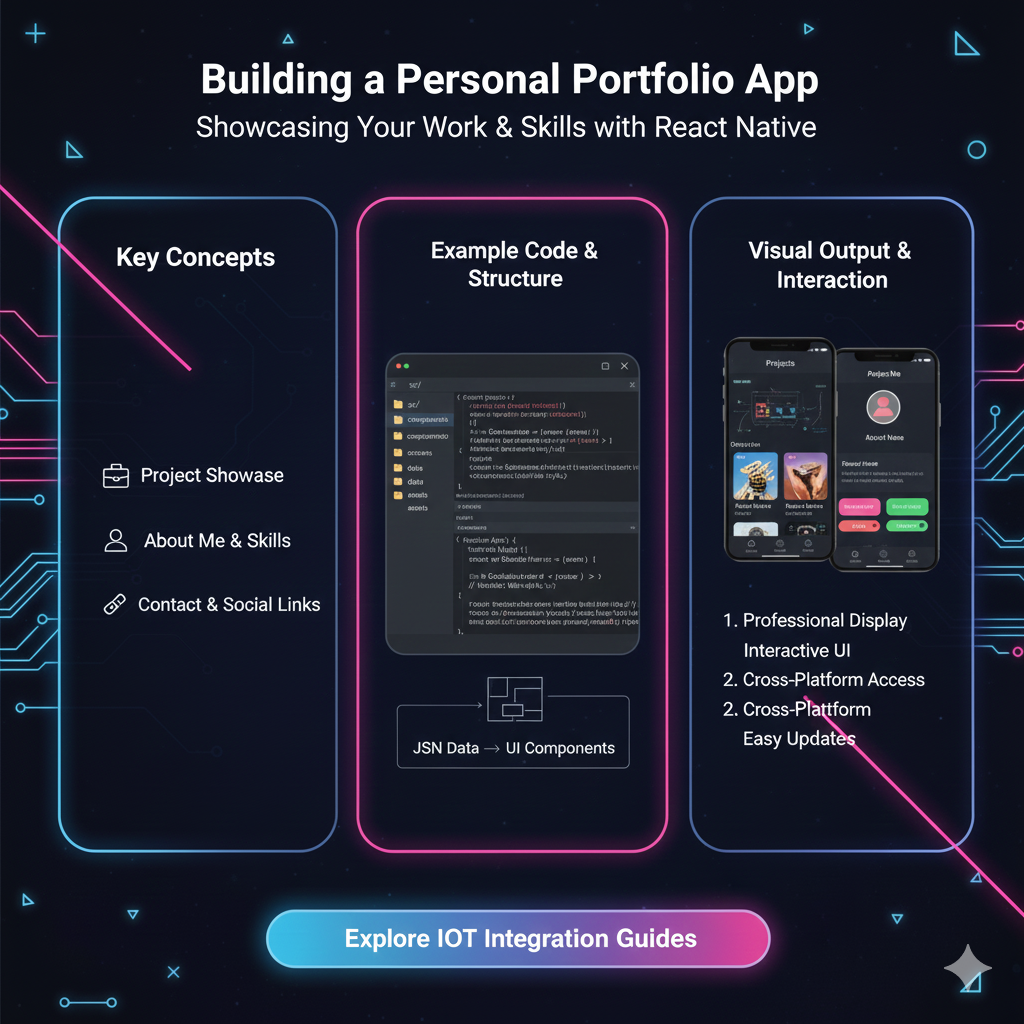
Ready to showcase your skills and land your dream tech job? This in-depth guide walks you through building a stunning, professional personal portfolio app from scratch. Learn the why, how, and best practices to stand out.
Let's be real for a second. The days of just sending out a PDF resume and hoping for the best are long gone. In today's hyper-competitive tech world, especially in India where talent is booming, you need more. You need a vibe. You need a space that doesn't just tell people you can code, but shows them.
That's where your personal portfolio app comes in.
Think of it as your 24/7 digital handshake. It’s your personal website, your interactive resume, and your most powerful marketing tool, all rolled into one. It’s the first thing a recruiter will look at after glancing at your resume, and it's the project that can single-handedly land you an interview.
So, grab your chai or coffee, and let's break down everything you need to know to build a portfolio that doesn't just exist, but impresses.
Why Bother? More Than Just a "Pretty" Website
You might be thinking, "I have a GitHub, isn't that enough?" Or, "I'll just use a template on WordPress." Hold up.
Your GitHub is your workshop—messy, raw, and for developers. Your portfolio is your showroom—polished, curated, and for everyone (recruiters, non-tech founders, clients).
A dedicated portfolio app:
Shows, Doesn't Tell: You can talk about your React skills all day. A live, interactive project built with React proves it.
Demonstrates Your "Full Stack" Mindset: It shows you can handle design (frontend), logic (backend), and deployment (DevOps). It's a mini-capstone project.
Controls Your Narrative: This is your space. You decide what projects to highlight, what your "About Me" says, and what your personal brand is.
Makes You Memorable: A well-designed, unique portfolio will stick in a recruiter's mind long after they've forgotten the 50th PDF resume they skimmed.
The Blueprint: What to Actually Put in Your Portfolio
Before you write a single line of code, you need a plan. A stunning website with no substance is like a fancy book with blank pages.
1. The Hero Section: The First 5 Seconds
This is the top fold of your website. The moment someone lands here, they should know exactly who you are and what you do.
Your Name: Big and bold.
Your Tagline: "Full-Stack Developer," "ML Enthusiast & Python Dev," "I build things for the web."
A Killer Headline: A one-liner that sums you up. E.g., "I turn coffee into clean, efficient code."
A Call-to-Action (CTA): A prominent button like "View My Work" or "Get in Touch."
2. The About Me: The "Why You?" Section
This is where you connect. Don't just list your skills; tell a story.
Who are you? What drives you? What problem are you passionate about solving with code?
What are your skills? List them in a clean, scannable way. Use icons! Think: HTML5, CSS3, JavaScript, React, Node.js, Python, MongoDB, etc.
A professional photo: Smile! Look approachable.
3. The Projects: The Main Event
This is the core. Quality over quantity, always. 3-4 stellar projects are better than 10 mediocre ones.
Project Title & Short Description: What does it do?
Tech Stack: What did you use to build it? (e.g., MERN Stack, Python/Django, etc.)
Key Features: 2-3 bullet points on the coolest functionalities.
Live Demo Link: CRUCIAL. This must work.
GitHub Repository Link: So they can peek under the hood.
High-Quality Images/GIFs: A picture is worth a thousand words. A GIF of your app in action is worth a thousand interviews.
4. The Contact Section: Making it Easy
Don't make them hunt for your details.
A simple contact form (that actually works and sends emails to you).
Links to your GitHub, LinkedIn, and Twitter.
Your email address.
(Pro-Tip): To build a dynamic contact form that sends emails directly, you'll need some backend magic. This is where learning a full technology stack becomes essential. To learn professional software development courses such as Python Programming, Full Stack Development, and MERN Stack, which cover these exact real-world skills, visit and enroll today at codercrafter.in.
Choosing Your Tech Stack: It's Not Just About React
The tools you use depend on your goals.
The Classic Frontend Combo (Great for Beginners):
HTML, CSS, JavaScript: The holy trinity. You have complete control. Shows you understand the fundamentals.
You can level up with: Sass (for super-powered CSS) and a bit of jQuery for simple interactions.
The Modern Frontend Framework (The Crowd Favorite):
React, Vue, or Svelte: These are fantastic because they allow you to build a Single Page Application (SPA). This means buttery-smooth transitions without full page reloads. It looks and feels super professional.
Why it's great: It's what modern companies use. Building your portfolio in React is a project in itself.
Going Full-Stack (The "I'm All-In" Approach):
Frontend: React/Vue.
Backend: Node.js/Express, Python/Django, or Python/Flask.
Database: MongoDB, PostgreSQL.
Why? This allows you to build that dynamic contact form, a blog section for your portfolio, or even user authentication. It's the most impressive way to go.
Real-World Use Case: Beyond the Job Hunt
While getting a job is the primary goal, a portfolio app is versatile.
Freelancing: It's your primary sales page to attract clients.
Open Source Contribution: You can write blog posts about your contributions and showcase them.
Building a Personal Brand: Become a thought leader in your niche by blogging about your coding journey.
Best Practices & Pro-Tips from the Trenches
Mobile-First, Always: Over 50% of web traffic is mobile. If your portfolio looks broken on a phone, you've already failed. Test it relentlessly.
Performance is a Feature: A slow website is a bad website. Optimize your images, minify your code. Use tools like Google PageSpeed Insights.
Keep it Simple, Seriously: You don't need crazy animations that slow down the site. Clean design, good typography, and a sensible color scheme win every time.
SEO Basics: Your name should be in the
<title>tag. Use proper heading tags (<h1>,<h2>). So, when a recruiter Googles "Your Name + Developer," your portfolio should be the first result.The Footer is Your Friend: Put a simple "© 2024 Your Name. Built with [Coffee/React/Passion]" in the footer. It's a nice, human touch.
FAQs (Frequently Asked Questions)
Q1: I'm a complete beginner. How do I even start?
Start with the basics. Learn HTML, CSS, and JavaScript thoroughly. Build a simple, static portfolio first. It doesn't need a backend. The goal is to get something live. You can always iterate and make it more complex later.
Q2: Should I use a template or build from scratch?
For your first portfolio, building from scratch is a priceless learning experience. Once you're in the industry, using a template as a base and customizing it heavily is perfectly acceptable to save time.
Q3: I don't have any real-world client projects. What do I show?
Personal projects are 100% valid! Built a To-Do app? A Weather app? A clone of a popular website's UI? Show it! The goal is to demonstrate your ability to conceive, build, and deploy an application. Document the process and the problems you solved.
Q4: Where should I host it?
Frontend/Static Sites: Vercel and Netlify are the gold standards. They are free, incredibly easy to use, and integrate seamlessly with GitHub.
Full-Stack Apps: You can use platforms like Heroku, Railway, or DigitalOcean. For the MERN stack, a common combo is hosting the frontend on Vercel and the backend on Railway.
Q5: How do I get the domain name?
Buy a .com or .dev domain with your name (e.g., yourname.dev) from providers like Namecheap or GoDaddy. It looks infinitely more professional than a yourname.netlify.app link.
Conclusion: Your Journey Starts Now
Your portfolio app is not a one-weekend project you check off a list. It's a living, breathing document of your growth as a developer. You'll constantly be updating it, tweaking it, and adding new projects.
It's your story. Make it a good one.
The process of building it will teach you more about real-world development than any tutorial series. You'll run into deployment issues, design dilemmas, and performance bottlenecks. And solving those problems is what makes you a professional.
Feeling inspired but overwhelmed by the tech stack choices? Want a structured path to learn not just how to build a portfolio, but how to build production-ready applications? To learn professional software development courses such as Python Programming, Full Stack Development, and MERN Stack, visit and enroll today at codercrafter.in. We'll guide you from the fundamentals to advanced concepts, ensuring you have the skills to build not just a portfolio, but a career.
Now, go code something awesome.









