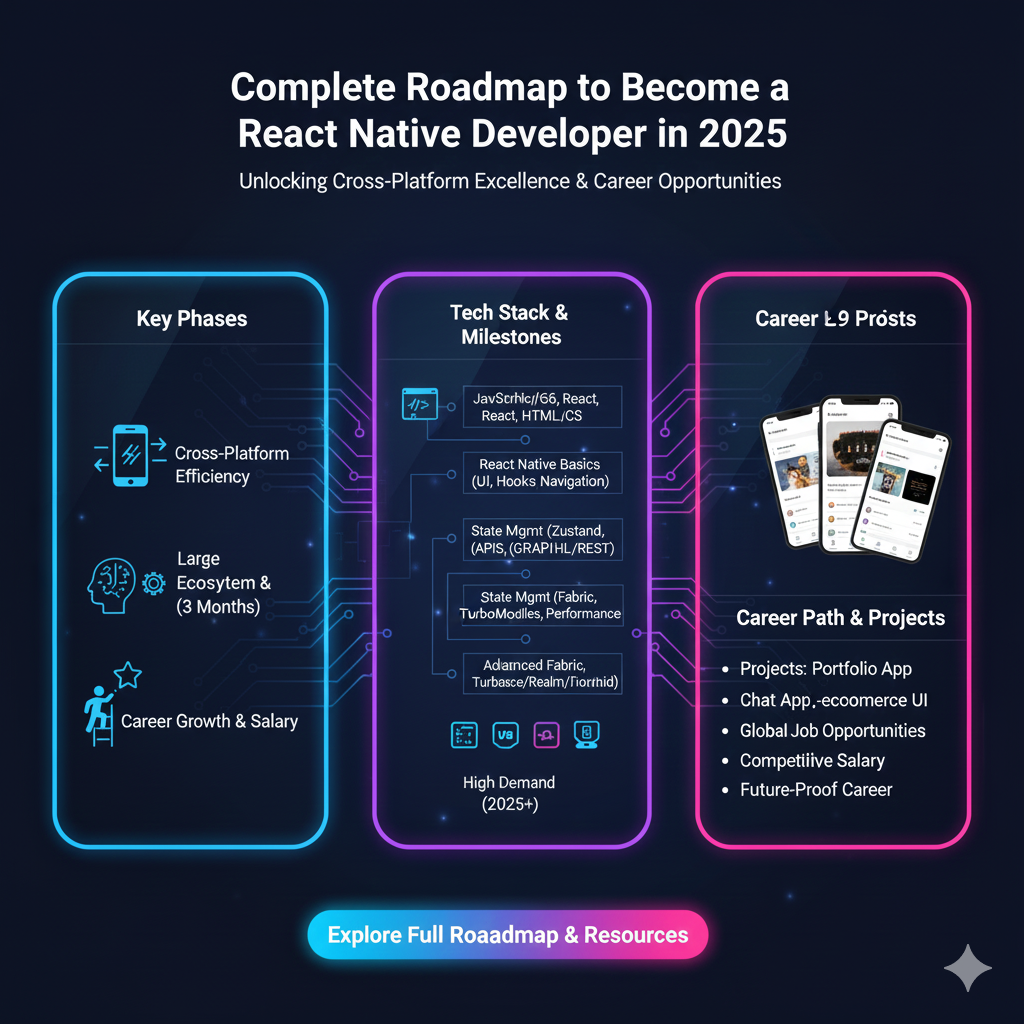
Ready to build cross-platform apps in 2025? This ultimate React Native roadmap covers everything from JavaScript basics to advanced concepts, state management, and landing your first job. Start your journey today!
Your Complete Roadmap to Becoming a React Native Developer in 2025
Let's be real. You're scrolling through your phone right now. Instagram, Facebook, Shopify, Pinterest, Uber Eats... what do a ton of these apps have in common?
A lot of them are built with React Native.
In a world where you need to launch your app on both iOS and Android yesterday, building everything twice is a non-starter. That’s where React Native swoops in, letting you write code once in JavaScript and deploy it everywhere. It’s a superpower for startups and devs alike.
So, you want a piece of that action in 2025? Smart move. The demand for skilled React Native devs isn't slowing down; it's evolving.
This isn't just another boring tutorial list. This is your battle-tested, step-by-step roadmap to go from complete beginner to a hire-ready React Native Developer in 2025. Let's dive in.
Phase 1: The Unshakeable Foundation (Weeks 1-4)
You can't build a skyscraper on a weak foundation. Before you even type npx react-native init, you need to lock down these core concepts.
1. Get Comfy with JavaScript & TypeScript (The Language of the Land)
React Native runs on JavaScript (JS) and, increasingly, TypeScript (TS). Don't just "kinda" know JS. Understand it.
The Modern JS You MUST Know:
ES6+ Syntax: Arrow functions, destructuring, template literals, spread/rest operators. This isn't optional anymore; it's how modern JS is written.
Async/Await & Promises: Mobile apps are all about fetching data, handling user input, and waiting for stuff. If you don't master asynchronous code, your app will freeze and crash. Period.
Array Methods (
map,filter,reduce): You'll live and breathe these for rendering lists of data.
TypeScript is Your New Best Friend:
Think of TypeScript as JavaScript with a safety net. It helps you catch errors before you even run your code. In 2025, most serious React Native projects use TypeScript. It makes your code more predictable and easier to debug. Start with it early; it'll save you countless headaches.
2. React.js Fundamentals (The Brain of the Operation)
React Native is, well, React for native apps. You need to understand the core philosophy of React.
Components (Functional Components): Everything is a component. A button is a component, a header is a component, you get the idea.
JSX: It looks like HTML inside your JS, but it's syntactic sugar for function calls. Learn it, love it.
Props: How data flows down from parent to child components.
State (
useStateHook): How a component manages its own changing data (like a counter, or text in an input field).Side Effects (
useEffectHook): How your component interacts with the "outside world"—data fetching, subscriptions, timers.
Real-World Use Case: Imagine a profile screen. The user's name and bio are passed down via props. The state of a "Follow" button (whether it's clicked or not) is managed with useState. And fetching the user's data from an API when the screen loads? That's a job for useEffect.
Phase 2: Diving into the React Native Jungle (Weeks 5-8)
Now for the main event. It's time to get your hands dirty with the React Native ecosystem.
1. Setting Up Your Dev Environment
In 2025, the game has changed. While expo init (Expo) is still a fantastic, beginner-friendly choice, the new kid on the block is Expo Prebuild. It gives you the ease of Expo with the power to eject to bare-workflow anytime. My recommendation? Start with Expo to avoid native build headaches initially.
2. Core Components & APIs
Forget <div> and <span>. Welcome to native components:
<View>: Your new<div>. The fundamental building block for layout.<Text>: The only way to render text. You can't put text inside a<View>!<ScrollView>&<FlatList>: For scrollable content. UseFlatListfor long, performant lists—it's a game-changer.<TextInput>: For user input.<Image>: For... you guessed it, images.<Pressable> or<TouchableOpacity>: For making things tappable.
You'll also use Native APIs like Alert, AsyncStorage (or better alternatives), and Linking.
3. Styling Your App
Styling in React Native uses JavaScript objects with a subset of CSS, using StyleSheet.create(). You must master Flexbox. It is the absolute king of layout in React Native. Understanding justifyContent, alignItems, and flex is non-negotiable.
Phase 3: Leveling Up - The 2025 Must-Haves (Weeks 9-12)
This is what separates the juniors from the mid-level and senior devs.
1. State Management (Beyond useState)
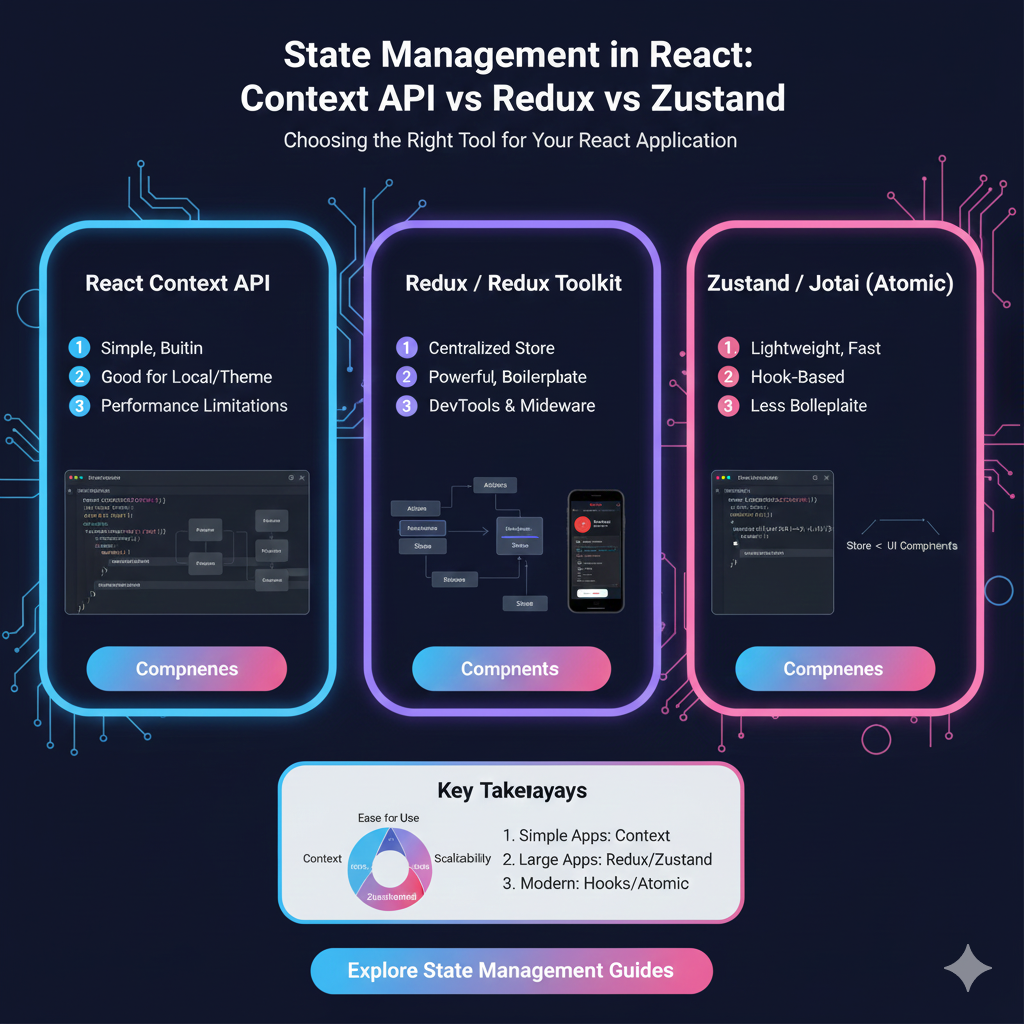
As your app grows, passing state through props becomes a nightmare (aka "prop drilling"). You need a global state solution.
Context API +
useReducer: Great for mid-complexity apps. It's built into React, so no extra libraries.Zustand: The new fan favorite. It's minimal, simple, and does the job with less boilerplate.
Redux Toolkit (RTK): The industry standard for large, complex enterprise applications. It has a learning curve but is incredibly powerful and predictable.
Best Practice: Don't over-engineer. Start with the Context API. When you feel the pain, move to Zustand or Redux Toolkit.
2. Navigation
Users move between screens. You need a robust navigation library.
React Navigation: The undisputed champion in the React Native world. Master the stack, tab, and drawer navigators. Understand how to pass parameters between screens.
3. Data Fetching & Caching
Your app is useless without data. In 2025, you should be using modern data-fetching libraries.
TanStack Query (formerly React Query): This is a game-changer. It handles fetching, caching, synchronizing, and updating server state for you. It will make your app feel incredibly fast and responsive.
Pro Tip: To learn professional software development courses such as Python Programming, Full Stack Development, and MERN Stack, which provide the perfect backend complement to your mobile skills, visit and enroll today at codercrafter.in.
Phase 4: The Pro Moves - Building for the Real World
1. Testing Your App
Writing tests isn't glamorous, but it's what professional developers do. It saves you from shipping broken code.
Unit Testing: Test your individual functions and logic with Jest.
Component Testing: Test your React components in isolation with React Native Testing Library.
2. Performance Optimization
Know the common pitfalls:
Avoid unnecessary re-renders with
React.memo,useMemo, anduseCallback.Use
FlatListoverScrollView+mapfor long lists.Optimize your images and bundle size.
3. The Native Bridge & Publishing
You don't need to be an expert initially, but you should understand that React Native can be extended with native modules (Java, Kotlin, Objective-C, Swift). Eventually, you'll need to learn how to generate release builds (.apk/.aab for Android, .ipa for iOS) and publish to the Google Play Store and Apple App Store.
FAQs: Your Burning Questions, Answered
Q1: Do I need to know Android/iOS native development to learn React Native?
A: Not at all! That's the whole point. However, as you advance, knowing the basics of the native platforms will help you debug complex issues and write custom native modules.
Q2: Is React Native dying in 2025? Is Flutter better?
A: Absolutely not dying. With the New Architecture (Fabric, TurboModules) fully rolling out, it's becoming more performant and stable than ever. The Flutter vs. React Native debate is a holy war. React Native leverages your JavaScript knowledge and has a massive ecosystem. Flutter is great but has a steeper learning curve (Dart). You can't go wrong with either, but React Native's job market is huge.
Q3: How long will it take to get a job?
A: If you follow a structured path and consistently build projects, you can be job-ready in 6-9 months. The key is a strong portfolio.
Q4: What kind of projects should I build for my portfolio?
A: Don't just build another Todo app. Think bigger:
A clone of a popular app (like a simplified Instagram or Twitter).
An E-commerce app with a cart and product listings.
A Fitness tracker that logs workouts.
A Weather app with a beautiful UI.
Conclusion: Your Journey Starts Now
Becoming a React Native developer in 2025 is an exciting and highly rewarding journey. It’s not about memorizing every single API, but about understanding the ecosystem and knowing how to solve problems.
To quickly recap your roadmap:
Foundation: JavaScript/TypeScript + React.
Core: React Native Components, Styling, Navigation.
Advanced: State Management, Data Fetching, Performance.
Pro: Testing, Native Modules, Deployment.
The most important step is to start coding. Pick an idea, break it down, and build it. You will get stuck. You will Google errors. Everyone does. It's part of the process.
If you're looking for a structured, mentor-led path to fast-track this entire journey, consider a program that gives you real-world experience. To master these skills within a professional framework and build a standout portfolio, explore the comprehensive Full Stack Development program at codercrafter.in. We'll guide you through every step of this roadmap and beyond.