Supercharge Your React Native App: A 2025 Guide to Integrating AI APIs
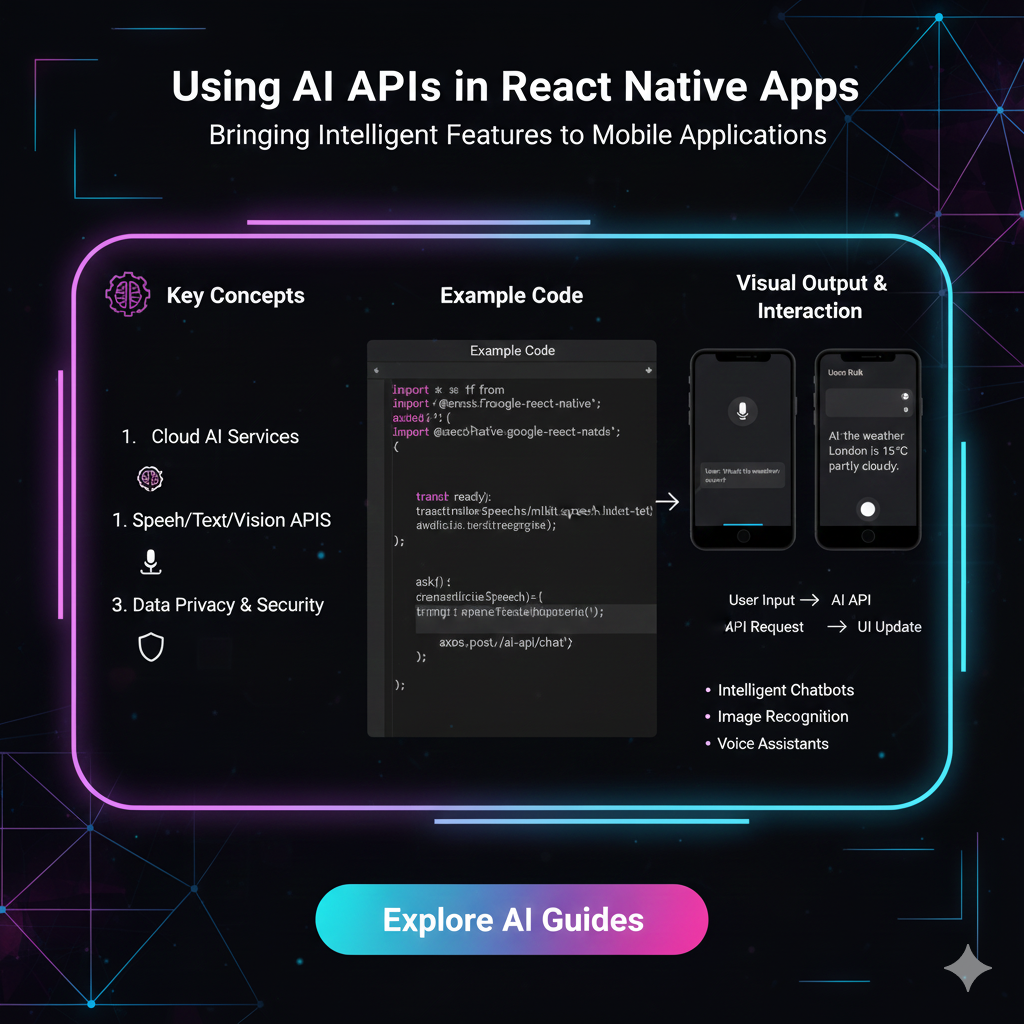
Ready to build smarter apps? Learn how to integrate AI APIs like GPT-4, Gemini, and Whisper into your React Native projects. Step-by-step guide, real-world examples, and best practices included
Level Up Your App: The Ultimate Guide to Using AI APIs in React Native
Let's be real. The app game has changed. It's not just about slick UIs and smooth animations anymore. Users now expect apps to be smart. They want personalized content, voice-controlled features, and chatbots that don't feel like talking to a brick wall.
So, how do you, a React Native developer, hop on this AI train without getting a PhD in machine learning?
The answer is simpler than you think: AI APIs.
In this guide, we're going to break down exactly how you can sprinkle some AI magic into your React Native apps. We're talking about adding features that will make your users go, "Whoa, how did you do that?".
First Off, What Even is an AI API?
Let's ditch the jargon. Think of an AI API as a super-smart brain living on the internet.
You don't need to build the brain yourself. You just send it a message (like "Summarize this article" or "What's in this image?") and it sends a genius response back. Your React Native app is the messenger that facilitates this whole conversation.
You handle the beautiful front-end and the user interaction, and the API handles the heavy-duty thinking. It's a perfect partnership.
Why Bother? The Real-World Power of AI in Your Apps
Integrating AI isn't just a cool party trick; it's a game-changer for user experience. Here’s what it can do for your app:
Hyper-Personalization: Use AI to analyze user behavior and serve them content, products, or features they'll actually love. Think Netflix recommendations, but for your app.
Next-Level User Interfaces: Move beyond typing. Let users search with their camera (visual search), issue commands with their voice, or interact with a conversational chatbot.
Content Generation & Summarization: Automatically generate social media posts, summarize long news articles, or even create product descriptions inside your app.
Accessibility: Features like automatic image captioning (for the visually impaired) or real-time transcription (for the hearing impaired) make your app inclusive for everyone.
Getting Your Hands Dirty: Let's Build a Mini AI-Powered App
Enough theory. Let's see how this works in practice. We'll create a simple "Smart Journal" app where users can write a short entry, and our app will analyze the sentiment (positive, negative, neutral) using an AI API.
We'll use the OpenAI API for this example, as it's powerful and well-documented.
Step 1: Set Up Your React Native Project
Fire up your terminal and create a new project. We'll use Expo for simplicity.
bash
npx create-expo-app SmartJournal
cd SmartJournal
Step 2: Install Dependencies
We'll need axios or fetch to make HTTP requests to the API.
bash
npm install axiosStep 3: Get Your API Key
Head over to OpenAI's platform, sign up, and generate an API key. ⚠️ Pro Tip: Never, ever hardcode this key in your app! We'll handle secrets properly in the next section.
Step 4: The Code (App.js)
Here's the simplified version of our main component.
javascript
import React, { useState } from 'react';
import { View, Text, TextInput, TouchableOpacity, Alert, StyleSheet } from 'react-native';
import axios from 'axios';

const App = () => {
  const [journalEntry, setJournalEntry] = useState('');
  const [sentiment, setSentiment] = useState('');
  const [loading, setLoading] = useState(false);

  // Your secret API Key - we'll secure this later!
  const API_KEY = 'YOUR_OPENAI_API_KEY';

  const analyzeSentiment = async () => {
    if (!journalEntry.trim()) {
      Alert.alert('Error', 'Please write something first!');
      return;
    }

    setLoading(true);
    try {
      const response = await axios.post(
        'https://api.openai.com/v1/chat/completions',
        {
          model: 'gpt-3.5-turbo', // Use a cheaper, faster model for this
          messages: [
            {
              role: 'user',
              content: `Analyze the sentiment of the following text and respond with only one word: "positive", "negative", or "neutral". Text: "${journalEntry}"`,
            },
          ],
          max_tokens: 10,
        },
        {
          headers: {
            'Authorization': `Bearer ${API_KEY}`,
            'Content-Type': 'application/json',
          },
        }
      );

      const analyzedSentiment = response.data.choices[0].message.content.trim().toLowerCase();
      setSentiment(analyzedSentiment);

    } catch (error) {
      console.error('AI Analysis Error:', error);
      Alert.alert('Error', 'Failed to analyze sentiment. Please try again.');
    } finally {
      setLoading(false);
    }
  };

  return (
    <View style={styles.container}>
      <Text style={styles.title}>My Smart Journal</Text>
      <TextInput
        style={styles.textInput}
        multiline
        placeholder="How was your day?"
        value={journalEntry}
        onChangeText={setJournalEntry}
      />
      <TouchableOpacity style={styles.button} onPress={analyzeSentiment} disabled={loading}>
        <Text style={styles.buttonText}>
          {loading ? 'Analyzing...' : 'Analyze Sentiment'}
        </Text>
      </TouchableOpacity>
      {sentiment ? (
        <Text style={styles.result}>Detected Sentiment: <Text style={{ fontWeight: 'bold' }}>{sentiment}</Text></Text>
      ) : null}
    </View>
  );
};

// Basic styles (add your own flair!)
const styles = StyleSheet.create({
  container: { flex: 1, justifyContent: 'center', padding: 20 },
  title: { fontSize: 24, fontWeight: 'bold', marginBottom: 20, textAlign: 'center' },
  textInput: { borderWidth: 1, borderColor: '#ccc', borderRadius: 8, padding: 15, marginBottom: 20, height: 150, textAlignVertical: 'top' },
  button: { backgroundColor: '#007AFF', padding: 15, borderRadius: 8, alignItems: 'center' },
  buttonText: { color: 'white', fontWeight: 'bold' },
  result: { marginTop: 20, fontSize: 18, textAlign: 'center' }
});

export default App;
What's happening here?
The user types their journal entry.
When they press the button, we send a carefully crafted prompt to the OpenAI API.
We ask the AI to respond with only one word to make it easy to parse.
We take the response and display it on the screen.
Boom! You just built an AI-powered feature.
Beyond Sentiment: Other Mind-Blowing AI APIs to Use
The OpenAI API is just the tip of the iceberg. Check out these other APIs:
Google Gemini API: A direct competitor, great for multimodal tasks (understanding both text and images).
Hugging Face Inference API: A hub for thousands of models for translation, summarization, image classification, and more. It's like an all-you-can-eat AI buffet.
AssemblyAI: Specializes in super-accurate speech-to-text transcription, perfect for building voice notes or meeting transcription features.
Stability AI or DALL-E API: Generate stunning images from text descriptions directly in your app.
🚨 Best Practices: Don't Ship Your API Key to Production!
I mentioned it earlier, and it's crucial. The code above has the API key in the frontend, which is a massive security risk. Anyone can find it, steal it, and run up a huge bill on your account.
The right way to do it: Build a lightweight backend.
Use a simple Node.js/Express server, a serverless function (like Vercel or Netlify functions), or a service like Firebase Functions. Your React Native app sends a request to your secure backend, and your backend, which safely stores the API key in an environment variable, makes the request to the AI API.
This keeps your secrets secret.
FAQs: Your Burning Questions, Answered
Q: Is it expensive to use these APIs?
A: It can be, if you have millions of users. But for most startups and side projects, the cost is very manageable. Services like OpenAI have a pay-as-you-go pricing model, often costing pennies for thousands of requests. Always check the pricing page and set usage limits!
Q: Do I need to be an AI expert?
A: Absolutely not! That's the beauty of APIs. They abstract away the complex ML models. You need to be good at making API calls and handling the data—skills you already have as a developer.
Q: What about apps that need to work offline?
A: This is a limitation of cloud-based APIs. For offline AI, you'd need to look into on-device ML libraries like TensorFlow Lite or specialized React Native libraries that can run smaller, optimized models directly on the phone.
Q: How do I handle slow internet connections?
A: Always show a loading state (like we did with the 'Analyzing...' text). Consider implementing a timeout for your requests and provide clear feedback to the user if the request fails.
Conclusion: The Future is Intelligent, and It's Yours to Build
Integrating AI APIs into React Native is no longer a "nice-to-have" skill—it's becoming essential for building competitive, modern applications. It allows you to leverage the power of cutting-edge artificial intelligence without the overhead of training and maintaining complex models.
Start with a small feature, like we did with the sentiment analysis. Get comfortable with the flow of sending prompts and handling responses. Before you know it, you'll be brainstorming ways to make every app you build smarter and more intuitive.
The gap between a good app and a groundbreaking one is often just a well-integrated AI API.
Ready to transform your ideas into intelligent, real-world applications? This is just the beginning. To master professional software development skills, from the fundamentals of Python Programming to building complex, end-to-end solutions with Full Stack Development and the MERN Stack, you need the right guidance. Visit and enroll today at codercrafter.in to kickstart your journey as a future-proof developer









