Redux Toolkit Guide: Taming State Management in 2025
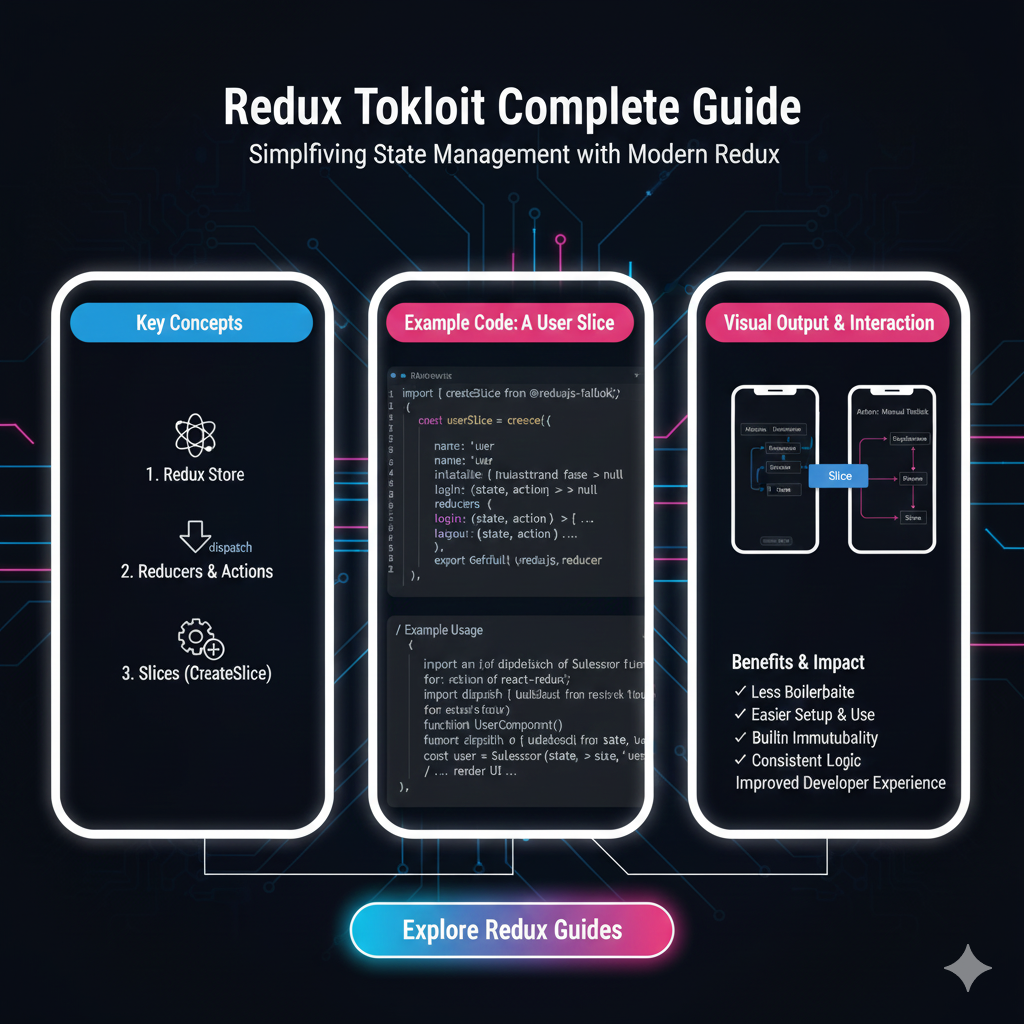
Struggling with Redux boilerplate? Our complete Redux Toolkit guide explains how to simplify state management with code examples, best practices, and FAQs. Level up your skills with CoderCrafter's Full Stack courses!
Let's be real for a second. If you've been in the React world for more than a minute, you've heard of Redux. And if you've tried to use it, you probably remember the feeling: the sheer amount of boilerplate code, the endless switch statements, the action creators, the constant worrying about immutability... it was a lot.
It was like needing to build a simple IKEA bookshelf but being handed a full set of carpenter's tools and a 200-page manual on woodworking.
Enter Redux Toolkit (RTK). This isn't just a minor update; it's a complete game-changer. The official, opinionated, batteries-included toolset for efficient Redux development. It’s the friendly IKEA Allen key that actually gets the job done without the headache.
In this deep dive, we're going to break down everything about Redux Toolkit. What it is, why you should absolutely use it, and how to get started with code you can actually copy and paste. Let's get into it.
What Exactly Is Redux Toolkit?
In the simplest terms, Redux Toolkit is the official, recommended way to write Redux logic.
Think of it as a wrapper around core Redux that provides a set of utilities and abstractions to simplify common tasks. The Redux team themselves got tired of everyone complaining about the boilerplate, so they built this to solve their own problems (and ours!).
It's designed with three core principles:
Simplicity: To make setting up a Redux store as easy as possible.
Opinionated: To provide best practices out-of-the-box, so you don't have to figure them out yourself.
Powerful: It includes powerful utilities like
createSliceandcreateAsyncThunkthat handle the most complex parts of state management.
If you're starting a new project with Redux, you should be using Redux Toolkit. Full stop.
Why You Should Ditch "Classic Redux" for RTK
Remember what "classic" Redux looked like? Let's take a quick, painful trip down memory lane:
You had to manually define action types as string constants (
const ADD_TODO = 'ADD_TODO').You had to write action creator functions by hand.
You had to write massive, complex switch statements in your reducers.
You had to manually handle immutability using the spread operator
..., which got messy with nested data.Setting up async logic required middleware like Redux-Thunk separately.
It was verbose, error-prone, and frankly, a drag.
Redux Toolkit fixes all of this. Here’s how:
configureStore(): Simplifies store setup. It automatically combines your reducers, adds the Redux DevTools Extension, and includes theredux-thunkmiddleware by default. It's a one-liner now.createSlice(): This is the star of the show. It lets you define your reducer logic, initial state, and action creators in one single, concise object. It automatically generates action types and creators based on your reducer names. Magic!createAsyncThunk(): Handles asynchronous flows (like API calls) seamlessly. It generates the pending, fulfilled, and rejected action types for you, so you don't have to.createEntityAdapter: Provides prebuilt reducers and selectors for managing normalized state (like a list of items fetched from an API). This is a massive performance and code-saver.Immutability handled by
Immer: Under the hood, RTK uses Immer. This means you can write "mutating" logic in your reducers (e.g.,state.push(action.payload)), and Immer safely returns a correct immutable update. This is a huge readability win.
Let's Build Something Real: A Todo App with RTK
Enough theory. Let's get our hands dirty and build a slice of a todo app (see what I did there?).
First, install it in your project:
bash
npm install @reduxjs/toolkit react-reduxStep 1: Create a Slice
This is where we define the core logic for our todos.
javascript
// features/todos/todoSlice.js
import { createSlice, nanoid } from '@reduxjs/toolkit';

// Initial state
const initialState = {
  items: [],
  filter: 'all', // all, active, completed
};

// Create the slice
const todosSlice = createSlice({
  name: 'todos', // A name for the slice
  initialState,
  reducers: {
    // "Mutating" logic is okay inside `createSlice` because of Immer!
    addTodo: {
      reducer: (state, action) => {
        state.items.push(action.payload);
      },
      prepare: (text) => ({ // prepare lets us customize the payload
        payload: {
          id: nanoid(), // RTK provides a tiny ID generator
          text,
          completed: false,
        },
      }),
    },
    toggleTodo: (state, action) => {
      const todo = state.items.find(todo => todo.id === action.payload);
      if (todo) {
        todo.completed = !todo.completed;
      }
    },
    removeTodo: (state, action) => {
      state.items = state.items.filter(todo => todo.id !== action.payload);
    },
    setFilter: (state, action) => {
      state.filter = action.payload;
    },
  },
});

// Auto-generated action creators
export const { addTodo, toggleTodo, removeTodo, setFilter } = todosSlice.actions;

// The reducer
export default todosSlice.reducer;
See how clean that is? No manual action types, no spreading state for immutability. It's just straightforward logic.
Step 2: Configure the Store
Setting up the store is now incredibly simple.
javascript
// app/store.js
import { configureStore } from '@reduxjs/toolkit';
import todosReducer from '../features/todos/todoSlice';

export const store = configureStore({
  reducer: {
    todos: todosReducer,
    // You can add more slices of state here
    // users: usersReducer,
    // posts: postsReducer,
  },
});
That's it. configureStore automatically sets up the Redux DevTools and the thunk middleware. No more composeWithDevTools or applyMiddleware spaghetti.
Step 3: Use it in Your React Components
Now, let's use our state and actions in a component with the useSelector and useDispatch hooks.
javascript
// components/TodoList.js
import React, { useState } from 'react';
import { useDispatch, useSelector } from 'react-redux';
import { addTodo, toggleTodo, removeTodo, setFilter } from '../features/todos/todoSlice';

const TodoList = () => {
  const [inputText, setInputText] = useState('');
  const dispatch = useDispatch();

  // Select data from the Redux state
  const { items: todos, filter } = useSelector(state => state.todos);

  const handleSubmit = (e) => {
    e.preventDefault();
    if (inputText.trim()) {
      dispatch(addTodo(inputText)); // Dispatching the auto-generated action creator
      setInputText('');
    }
  };

  const filteredTodos = todos.filter(todo => {
    if (filter === 'active') return !todo.completed;
    if (filter === 'completed') return todo.completed;
    return true;
  });

  return (
    <div>
      <form onSubmit={handleSubmit}>
        <input
          type="text"
          value={inputText}
          onChange={(e) => setInputText(e.target.value)}
        />
        <button type="submit">Add Todo</button>
      </form>

      <div>
        <button onClick={() => dispatch(setFilter('all'))}>All</button>
        <button onClick={() => dispatch(setFilter('active'))}>Active</button>
        <button onClick={() => dispatch(setFilter('completed'))}>Completed</button>
      </div>

      <ul>
        {filteredTodos.map(todo => (
          <li key={todo.id}>
            <span
              style={{ textDecoration: todo.completed ? 'line-through' : 'none' }}
              onClick={() => dispatch(toggleTodo(todo.id))}
            >
              {todo.text}
            </span>
            <button onClick={() => dispatch(removeTodo(todo.id))}>Delete</button>
          </li>
        ))}
      </ul>
    </div>
  );
};

export default TodoList;
Level Up: Handling Async Actions with createAsyncThunk
What about fetching data from an API? This is where createAsyncThunk shines. Let's create a slice for fetching users.
javascript
// features/users/usersSlice.js
import { createSlice, createAsyncThunk } from '@reduxjs/toolkit';
import axios from 'axios';

// Create the async thunk
export const fetchUsers = createAsyncThunk(
  'users/fetchUsers', // action type prefix
  async (_, thunkAPI) => {
    try {
      const response = await axios.get('https://jsonplaceholder.typicode.com/users');
      return response.data; // This becomes the `action.payload` of the fulfilled action
    } catch (error) {
      return thunkAPI.rejectWithValue(error.response.data); // This becomes the `action.payload` of the rejected action
    }
  }
);

const usersSlice = createSlice({
  name: 'users',
  initialState: {
    list: [],
    loading: false,
    error: null,
  },
  reducers: {},
  extraReducers: (builder) => {
    builder
      .addCase(fetchUsers.pending, (state) => {
        state.loading = true;
        state.error = null;
      })
      .addCase(fetchUsers.fulfilled, (state, action) => {
        state.loading = false;
        state.list = action.payload;
      })
      .addCase(fetchUsers.rejected, (state, action) => {
        state.loading = false;
        state.error = action.payload;
      });
  },
});

export default usersSlice.reducer;
Now, in your component, you just dispatch fetchUsers() and use the loading and error states from the Redux store to show a spinner or an error message. It manages the entire async lifecycle for you.
Best Practices & Pro-Tips
Use RTK Query for Data Fetching: For most API interactions, check out RTK Query, which is built into Redux Toolkit. It can eliminate the need to write any thunks, reducers, or effects for data fetching. It's a next-level abstraction.
Keep Slices Focused: Each slice should manage a specific domain or feature of your app (e.g.,
todos,users,auth).Use the
prepareFunction: For complex actions that need to generate a unique ID or structure multiple pieces of data, use thepreparecallback increateSlice, as we did in theaddTodoexample.Don't Over-Normalize: While
createEntityAdapteris great for lists, you don't always need it. Start simple.
Mastering state management is a cornerstone of modern web development. If you found this guide helpful and want to build a rock-solid foundation in these concepts, we highly recommend diving deeper. To learn professional software development courses such as Python Programming, Full Stack Development, and MERN Stack, visit and enroll today at codercrafter.in. Our structured curriculum is designed to take you from beginner to job-ready, with hands-on projects and expert mentorship.
FAQs
Q: Do I still need to use combineReducers?
A: Nope! configureStore does that for you automatically when you pass your reducers in the reducer object.
Q: Is Redux Toolkit compatible with the classic Redux ecosystem?
A: Yes, 100%. It's still Redux under the hood. You can use it with existing Redux middleware and DevTools.
Q: When should I not use Redux Toolkit?
A: There's almost no reason not to. The only exception might be if you have an extremely unique use case that the abstractions don't cover, but this is very rare.
Q: What's the difference between createAsyncThunk and RTK Query?
A: createAsyncThunk is a general-purpose tool for any async logic. RTK Query is a specialized data-fetching library built on top of RTK. For just fetching and caching data from an API, RTK Query is often the better choice as it requires even less code.
Conclusion
Redux Toolkit has successfully revitalized Redux. It took a powerful but complex state management library and made it accessible, simple, and fun to use again. It enforces best practices, drastically reduces boilerplate, and provides excellent developer experience.
If you were scared away by Redux in the past, it's time to give it a second look with Redux Toolkit. It's the modern, professional way to manage state in your React applications.
So go ahead, refactor that old Redux code or start a new project with RTK. Your future self will thank you for writing cleaner, more maintainable code.
Ready to build complex, real-world applications with these advanced tools? At CoderCrafter, we don't just teach syntax; we teach you how to think like a software engineer. Check out our project-based courses and start building your portfolio today at codercrafter.in.









