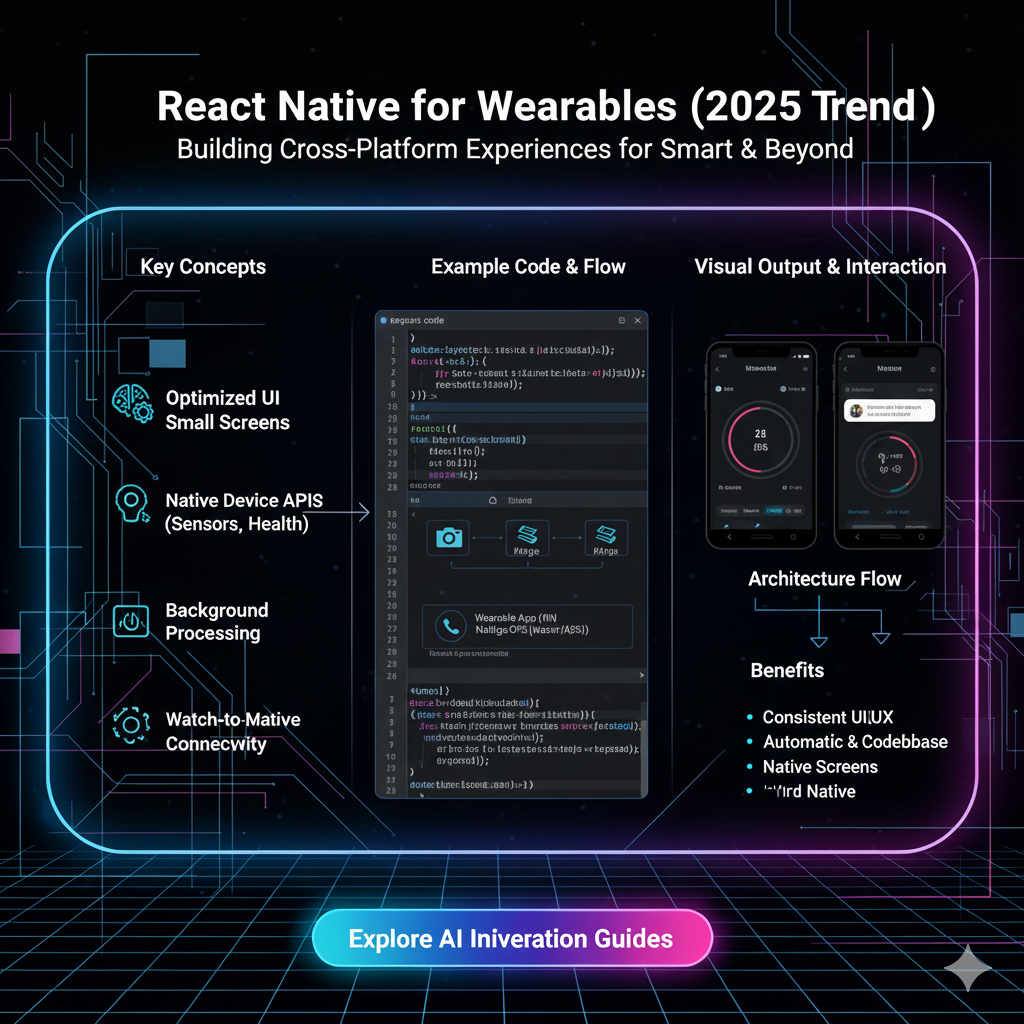
Thinking about building smartwatch apps? Dive into our 2025 guide on using React Native for wearables. Explore real-world use cases, top trends, and how to get started. Level up your skills with CoderCrafter's expert courses!
React Native for Wearables in 2025: Your Wrist is the New Frontier
Let's be real. Our phones are amazing, but we're living in a world where the next big screen isn't in our pocket—it's on our wrist. Smartwatches and fitness trackers have evolved from simple step-counters to powerful, mini-computers that can control our smart homes, track our health, and even handle payments.
As developers, this shift is a massive opportunity. But here's the classic dilemma: do you build one app for Apple's watchOS and another for Google's Wear OS? That means double the code, double the teams, and double the headaches.
What if I told you there's a better way? Enter React Native for Wearables.
In this deep dive, we're going to unpack everything you need to know about building for the wearable revolution in 2025 using the framework you already know and love. We'll talk about what's actually possible, the game-changing trends, and how you can start building apps for the tiny screen that makes a huge impact.
Wait, React Native? On a Watch? Seriously?
I know, it sounds a bit wild at first. We're used to React Native for phone and tablet UIs. But a watch face is a whole different ball game. The screens are tiny, the interactions are different (think more swipes and taps, less typing), and the primary focus is on glanceable information.
So, how does it work?
Libraries and frameworks like **Expo SDK (with its @expo/react-native-watch-connectivity module) and community-driven projects have bridged the gap. They allow your main React Native app on the phone to communicate seamlessly with a companion app on the watch.
In a typical setup:
Your phone handles the heavy lifting: complex calculations, data fetching from APIs, and storage.
The watch app, built with React Native components tailored for wearables, displays the crucial information and sends user inputs back to the phone.
It's a tag-team effort, and it's incredibly efficient. You're essentially writing most of your logic in one language (JavaScript/TypeScript) and deploying it across two platforms.
Why Bother? The Real-World Use Cases That Are Killing It in 2025
This isn't just a "cool tech demo" anymore. Businesses and developers are leveraging React Native for wearables to solve real problems. Here’s where it’s shining:
Fitness & Wellness on Autopilot: This is the obvious one, but it's gotten smarter. Think beyond step counts. We're talking about apps that start a guided breathing session directly on your watch, display live heart-rate zones during a workout, or log water intake with a single tap. The phone stays in the locker, but the data syncs perfectly afterward.
The Ultimate Remote Control: Imagine controlling your Spotify playlist, skipping a podcast episode, or even adjusting the brightness of your Philips Hue lights—all from your wrist without fumbling for your phone. React Native makes building these companion remote controls surprisingly straightforward.
Glanceable Logistics & Delivery Apps: For delivery drivers or warehouse workers, time is money. A wearable app can show the next delivery address, provide a one-tap "I've arrived" button, or scan a barcode without needing to pull out a clunky device. This is a huge productivity booster.
Smart Notifications & Quick Replies: We're all drowning in notifications. A well-designed wearable app can filter the noise and show only the most critical alerts (like a calendar reminder for a meeting starting in 2 minutes) with pre-set quick-reply options ("On my way!", "5 mins late").
Healthcare & Patient Monitoring: This is a big one. Wearables can passively monitor patient vitals and send alerts to caregivers in case of anomalies. A React Native app can provide a user-friendly interface for patients to log symptoms while the watch does the continuous background monitoring.
The 2025 Trend Report: What's Hot in Wearable Dev
If you're getting into this space now, you're right on time. Here are the trends shaping how we build for wearables this year:
AI-Powered Personalization: Watches are getting AI chips. This means your React Native app can host lightweight ML models that learn user behavior. Think: a fitness app that automatically suggests a cooldown walk after it detects you've finished an intense run.
Standalone Apps & Less Phone Dependency: With better connectivity (5G, LTE), wearables are becoming more independent. The trend is moving towards apps that can function even when the phone is out of range, with syncing happening once reconnected.
Advanced Health Metrics (Beyond the Basics): We're moving past heart rate. Sleep stage tracking, blood oxygen monitoring, and even stress level analysis are becoming standard. Developers are using React Native to build intuitive dashboards for this rich health data.
Cross-Platform is No Longer a "Nice-to-Have": Companies cannot afford to ignore either the Apple Watch or Wear OS user base. React Native’s core promise of "learn once, write anywhere" is more valuable than ever in the wearable space, drastically reducing development time and cost.
Mastering these trends requires a solid foundation in modern software development. To learn professional software development courses such as Python Programming, Full Stack Development, and the MERN Stack, which provide the perfect backend and logic-building skills for such advanced applications, visit and enroll today at codercrafter.in.
Best Practices: Building Apps That Don't Suck on a Tiny Screen
You can't just shrink a phone UI and call it a day. Designing for wearables is a discipline. Here are some non-negotiable best practices:
Simplicity is King: One screen, one task. Your user should be able to get the information they need in under 5 seconds. Avoid clutter like the plague.
Touch Targets are Your Best Friend: Buttons and tappable areas need to be large and have plenty of padding. Fat fingers and tiny screens are a bad combo—design accordingly.
Prioritize Glanceability: Use large, legible fonts, high-contrast colors, and simple icons. The user is literally glancing at their wrist, not reading a novel.
Optimize for Performance & Battery Life: This is CRITICAL. Watches have limited resources. Avoid constant, heavy communication between the watch and phone. Use efficient data formats and minimize background processes.
Leverage Haptics (The "Gentle Tap"): Haptic feedback is a powerful tool for confirmation and alerts. A successful action should feel as good as it looks.
FAQs: Your Burning Questions, Answered
Q: Is the performance good enough for complex apps?
A: For most companion-style apps (fitness, remote controls, notifications), the performance is excellent. The phone handles the complexity. For graphics-intensive games or apps requiring heavy, real-time processing on the watch itself, you might still lean towards native development.
Q: Can I build a fully standalone watch app with React Native?
A: It's getting easier, but it's still more complex than the companion model. You'd likely need to use a framework like Expo or a specific setup that bundles the JavaScript engine directly on the watch. The community is actively working on making this more accessible.
Q: What's the learning curve like if I already know React Native?
A: Surprisingly small! The core concepts are the same—components, state, props. The main shift is in UI/UX design principles for the wearable form factor. You'll be learning new, wearable-specific components, not a new language.
Q: Where can I get started?
A: Start with the official Expo documentation on watch connectivity. It's the most beginner-friendly and well-supported path. Also, check out GitHub for open-source React Native wearable apps to see the code in action.
Building the logic for these smart, connected devices often starts with a strong backend. If you're looking to solidify your understanding of the systems that power these applications, exploring a comprehensive Full Stack Development course can be a game-changer. You can find such in-depth programs at codercrafter.in.
Conclusion: The Future is on Your Wrist
The wearable market is exploding, and user expectations are higher than ever. They want apps that are useful, fast, and integrated seamlessly into their lives. React Native provides a powerful, practical, and cost-effective pathway for developers and businesses to enter this space without sacrificing quality or platform reach.
It’s not just about building another app; it’s about creating experiences that are truly context-aware and effortlessly accessible. The tiny screen on our wrist is becoming a central hub for our digital lives, and with React Native, you have the tools to help shape that future.
So, what will you build for it?
Ready to start your journey in building the next generation of apps? The skills you learn today, from front-end frameworks like React Native to robust backend technologies, are the building blocks of this connected future. To learn professional software development courses such as Python Programming, Full Stack Development, and MERN Stack, visit and enroll today at codercrafter.in. Your first step towards building the future is just a click away.