React Native & AR/VR: Building the Next Gen of Mobile Apps
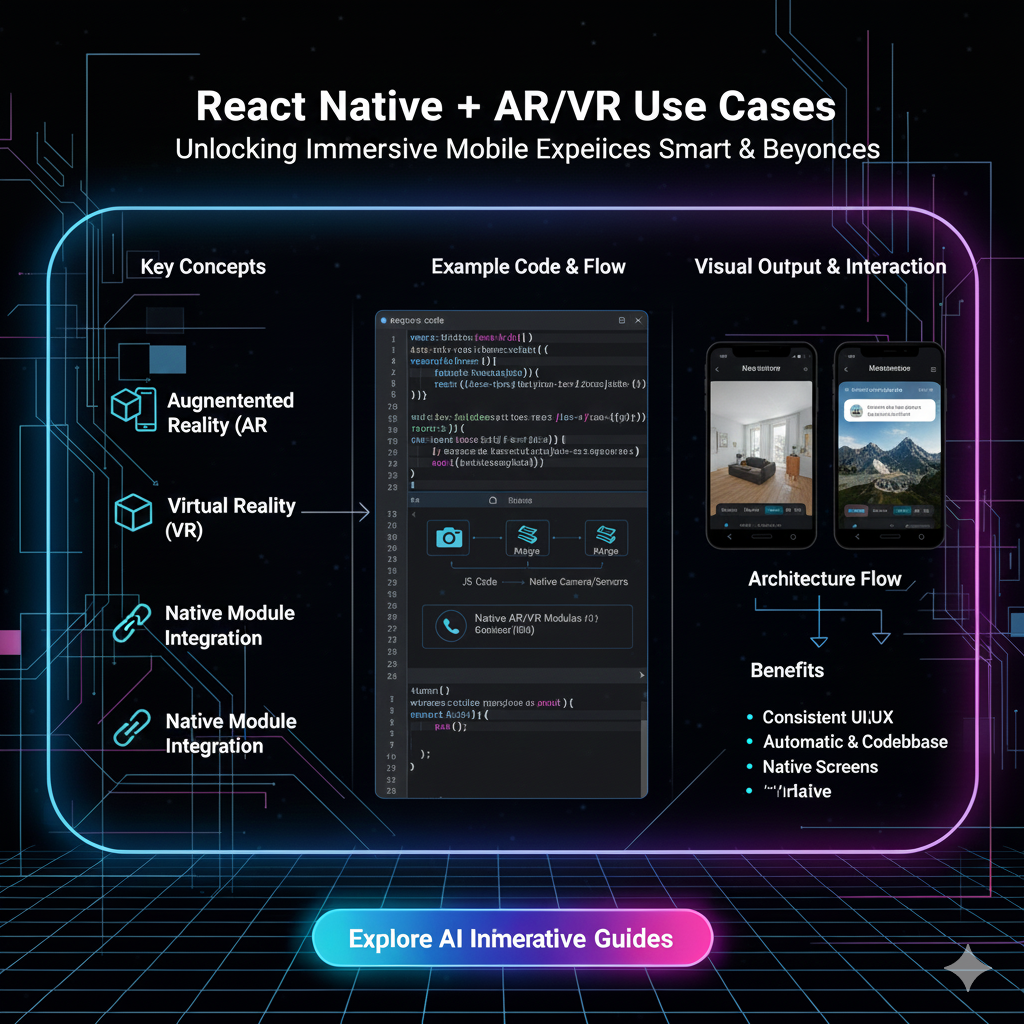
Explore how React Native is revolutionizing mobile development with Augmented and Virtual Reality. Dive into real-world use cases, best practices, and how to start building immersive experiences. Learn to code at CoderCrafter.in!
Beyond the Screen: How React Native is Building Our AR/VR Future
Let's be real. Our phones are basically extensions of our hands at this point. We use them for everything—from doomscrolling and sending memes to managing our entire lives. But for a while now, the next big leap has been whispering in the wind: Augmented and Virtual Reality (AR/VR).
You’ve probably seen it. That friend using an app to see how a new sofa would look in their living room, or kids chasing after Pokémon in the park. That’s not just a gimmick anymore; it’s the tip of the iceberg. And the secret sauce for developers building these experiences? It might just be React Native.
Yeah, you read that right. The same framework used to build your favorite cross-platform apps like Instagram, Facebook, and Discord is now powering immersive, 3D worlds. Intrigued? You should be. Let's break it all down.
First Things First: Cutting Through the Jargon (AR vs. VR)
Before we dive into the code, let's get our terms straight. People often use AR and VR interchangeably, but they’re different beasts.
Augmented Reality (AR): This adds digital elements to your real world. Think of it as a digital layer on top of reality. You’re still in your room, but now there’s a virtual IKEA chair in the corner, or your face has cool, animated puppy-dog filters. Examples: Snapchat filters, Pokémon GO, the IKEA Place app.
Virtual Reality (VR): This replaces your real world with a completely digital one. You put on a headset (like an Oculus Quest or HTC Vive) and you’re transported—whether it's to a battlefield, a meditation retreat, or a virtual meeting room. You are fully immersed.
For this blog, we're focusing mostly on AR with React Native, because it's perfectly suited for the device we all have in our pockets: the smartphone. VR typically requires more specialized hardware.
Why React Native? The "It Just Makes Sense" Argument
So, why would anyone use React Native, a 2D UI framework, for 3D immersive experiences? It sounds a bit like using a spoon to dig a tunnel, but it's actually a genius combo.
Code Once, Run Anywhere (Still a Superpower): This is React Native's bread and butter. You write your app logic in JavaScript/TypeScript and it runs on both iOS and Android. Building a complex AR feature natively means maintaining two separate codebases (Swift/Kotlin). With React Native, you manage one. That’s a massive win for speed and cost.
The Power of the Ecosystem: React Native has a huge community and a rich ecosystem of libraries. For AR, libraries like ViroReact (a community-driven platform) and React Native ARKit (for iOS) provide powerful bridges that let you use native AR capabilities directly from your JavaScript code. It’s like having a translator that lets you command native AR tools with simple JS functions.
Developer Experience is King: The hot-reload feature alone is a game-changer. Imagine tweaking the position of a 3D model and seeing it update on your test device instantly without a full rebuild. This rapid iteration cycle is crucial for perfecting AR placements and interactions.
It’s Just JavaScript, Fam: Millions of developers already know JavaScript. The learning curve to start dabbling in AR is significantly lower than having to master a whole new language and 3D graphics pipeline from scratch.
Real-World Use Cases: This Isn't Just Sci-Fi Anymore
This is where it gets exciting. AR isn't just for games. It's solving real problems and creating incredible new experiences.
🛍️ Retail & E-Commerce: "Try Before You Buy"
The Problem: You buy a pair of glasses online. They arrive. They look terrible on you. You have to deal with returns. It's a hassle.
The AR Solution: Apps like Warby Parker use AR to let you "try on" hundreds of glasses frames using your phone's front camera. For furniture, IKEA Place lets you drop true-to-scale 3D models of their products into your home. No more guessing if that KALLAX shelf will fit in the corner.
The RN Angle: Building a single app that lets both iOS and Android users visualize products in their space is a no-brainer for cost-effective retail development.
🎮 Gaming & Entertainment: The World is Your Playground
The Problem: Traditional mobile games are confined to the screen. AR breaks the fourth wall.
The AR Solution: Pokémon GO was the global phenomenon that put AR on the map. It blended the real world with the game world. Now, imagine tabletop games coming to life on your coffee table, or interactive storybooks where characters jump out of the page.
The RN Angle: A game studio can target the entire mobile market with one codebase, integrating AR features for location-based gameplay or surface detection.
🏥 Healthcare & Medicine: Visualizing the Invisible
The Problem: It's hard for patients to understand complex medical procedures or human anatomy from 2D diagrams.
The AR Solution: Apps can project a detailed, interactive 3D model of the human heart onto a patient's desk. Medical students can practice virtual surgeries. This is next-level education and patient care.
The RN Angle: Developing training and educational tools that are accessible across different devices (tablets, phones) used in hospitals and universities.
🏭 Industry & Manufacturing: The Ultimate Helper
The Problem: A technician is trying to repair a complex machine. They have to constantly look back and forth between the machine and a paper manual or a PDF on a laptop.
The AR Solution: Using an AR headset or a tablet, the technician can see digital instructions and arrows overlaid directly onto the machine parts they are working on. "Unscrew this bolt," "Connect this wire here."
The RN Angle: While heavy-duty industrial AR might use dedicated hardware, companion apps for diagnostics, manuals, and training can be efficiently built with React Native.
Best Practices: Building AR That Doesn't Suck
Jumping into AR development is cool, but doing it right is crucial. Here’s the tea:
Performance is NON-NEGOTIABLE: AR is computationally expensive. It's using your camera, sensors, and GPU all at once. You must optimize your 3D models (low poly count), manage memory wisely, and keep your JavaScript thread lean. A laggy AR experience is a dead AR experience.
User Experience (UX) is Everything: Throwing a 3D model into space isn't enough. How does the user interact with it? Can they move it, rotate it, scale it? Use intuitive gestures. Provide clear instructions. The UI should feel like a natural part of the world, not an annoying overlay.
Design for the Real World: Lighting matters. Surface detection can be finicky. Test your app in various environments—different lighting conditions, on different surfaces (wood, carpet, tile). An app that works perfectly on your dark desk might fail on a shiny, white floor.
Start Simple, Yo: Don't try to build the holodeck on day one. Start with a single, focused use case. Maybe just place a static 3D object on a detected surface. Then make it movable. Then make it interactive. Iterate and build complexity slowly.
FAQs: Your Burning Questions, Answered
Q: Do I need to be a 3D graphics expert to use React Native for AR?
A: Not at all! While a basic understanding of 3D concepts (like vectors, meshes, and materials) is helpful, libraries like ViroReact abstract away a lot of the complex math. You can start by importing 3D models created by artists in tools like Blender.
Q: What's the best library to get started with?
A: For a beginner, ViroReact is a fantastic starting point. It has excellent documentation, a great community, and supports both AR and VR. For more platform-specific control, you can look at react-native-arkit (iOS) and react-native-arcore (Android).
Q: Can I build a full VR experience with React Native?
A: It's possible, but less common for high-end VR. React Native is ideal for "mobile VR" experiences—think Google Cardboard—where you use your phone with a simple headset. For standalone VR headsets like the Oculus Quest, native development (C++/C#) is still the preferred path for maximum performance.
Q: Is the performance of a React Native AR app as good as a native app?
A: There is a tiny overhead because of the JavaScript bridge, but for most AR applications, it's negligible. The heavy lifting (graphics rendering, camera processing) is still done by the native device. A well-optimized React Native AR app will feel just as smooth as a native one to the end-user.
The Future is a Blended Reality
The lines between our digital and physical lives are blurring, and React Native is positioned perfectly to be a key player in this fusion. It democratizes AR development, allowing more creators to build the immersive apps of tomorrow.
The potential is limitless—from education and remote work to social media and art. The device in your pocket has all the power needed to be a window into these new worlds. The only question is, what are you going to build?
Feeling inspired to be at the forefront of this tech revolution? The journey starts with mastering the fundamentals. To learn professional software development courses such as Python Programming, Full Stack Development, and the MERN Stack, which provide the perfect foundation for diving into advanced fields like AR/VR, visit and enroll today at codercrafter.in. We'll give you the skills to not just use the apps of the future, but to build them.
So, what's the first AR app you're going to dream up? Let us know in the comments









