Master Global Error Handling in Redux: A Complete Guide for Robust Apps
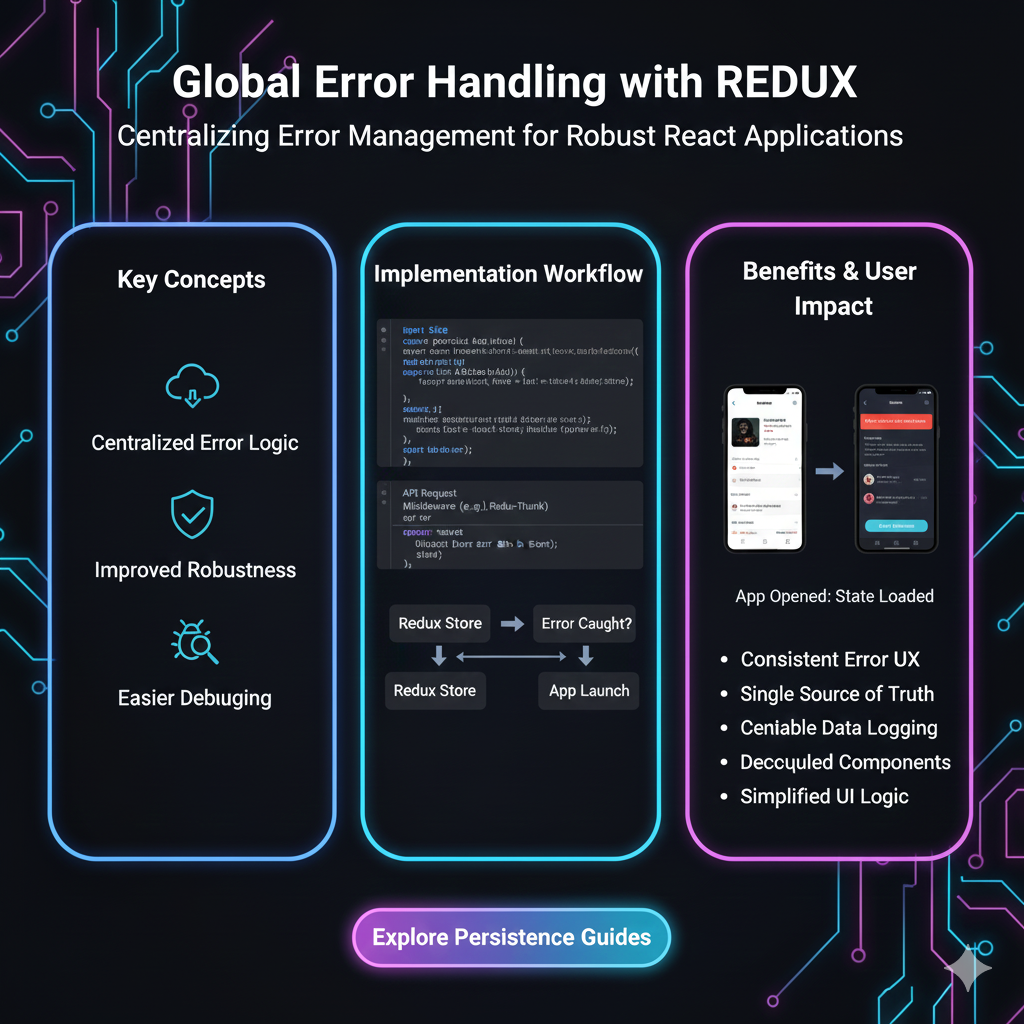
Tired of random Redux app crashes? Learn how to implement professional global error handling with middleware, real-world examples, and best practices. Build resilient React applications today.
Let’s be real. There’s nothing more annoying than an app crashing because you clicked a button wrong. As a dev, that sinking feeling when you see an uncaught error in the console is the worst. Especially in a big Redux app, where an error in one corner can sometimes just… break everything silently. Not cool.
That’s why setting up bulletproof global error handling in Redux isn’t just a “nice-to-have”—it’s a survival skill for modern web development. It’s the difference between a professional, resilient application and a buggy mess that drives users away.
So, grab your coffee. We’re going to dive deep into how to catch, manage, and recover from errors in your Redux flow, making your apps not just functional, but robust. And hey, if you're looking to truly master professional-grade software development, check out the in-depth courses on Python Programming, Full Stack Development, and the MERN Stack at codercrafter.in. It’s where you learn to build things properly, from the ground up.
What Even Is “Global Error Handling” in Redux?
In simple terms, it’s a single, centralized strategy to catch errors that happen anywhere in your Redux lifecycle—actions, reducers, middleware, or selectors—so they don’t crash your app. Instead of random try-catch blocks everywhere, you have one elegant system that:
Catches the error.
Logs it (to a service like Sentry, LogRocket, or even your backend).
Updates the UI to show a user-friendly message.
Optionally, recovers or retries the failed operation.
Think of it as a safety net under your entire state management circus. Without it, one misstep and your whole performance comes crashing down.
Why Bother? The Real-World Pain Points
Silent Failures: An action dispatches, an API call fails, but nothing happens. The user keeps clicking, confused. Global handling ensures something always happens—even if it’s just an error toast.
Debugging Hell: Scattering
console.erroraround is messy. A central handler sends structured errors to your logging service, making it easy to trace what, where, and why.User Experience: A blank screen or a browser error is terrifying. A graceful error message or a retry button maintains trust.
Cleaner Code: It separates your error logic from your business logic. Your actions and reducers can focus on the happy path.
Want to build applications with production-grade architecture from day one? The Full Stack Development course at codercrafter.in covers these patterns extensively.
Leveling Up: The Middleware Approach (The Real MVP)
The most powerful and elegant way to implement this is via Redux Middleware. Middleware sits between dispatching an action and the moment it reaches the reducer. It’s the perfect spot to intercept errors.
Here’s a battle-tested pattern using a custom middleware:
Step 1: Create the Error Handling Middleware
javascript
// errorHandlerMiddleware.js

// Action types for managing global error state
export const SET_ERROR = 'global/SET_ERROR';
export const CLEAR_ERROR = 'global/CLEAR_ERROR';

// Action creators
export const setError = (error, context = '') => ({
  type: SET_ERROR,
  payload: { message: error.message, context, originalError: error },
});

export const clearError = () => ({ type: CLEAR_ERROR });

// The Middleware itself
const errorHandlerMiddleware = (store) => (next) => async (action) => {
  // If the action is a function (thunk), wrap it
  if (typeof action === 'function') {
    try {
      // Execute the thunk
      return await action(store.dispatch, store.getState);
    } catch (error) {
      // Handle the error
      console.error('[Middleware] Caught async error:', error);

      // Dispatch a global error action
      store.dispatch(setError(error, action?.name || 'asyncThunk'));

      // You can also send to an error tracking service
      // if (window.Sentry) window.Sentry.captureException(error);

      // Re-throw if you want components to also handle it locally
      // throw error;
      return; // Or suppress the error at the middleware level
    }
  }

  // If it's a plain action, just pass it on
  try {
    return next(action);
  } catch (error) {
    console.error('[Middleware] Caught sync error in reducer:', error);
    store.dispatch(setError(error, 'reducer'));
    // if (window.Sentry) window.Sentry.captureException(error);
  }
};

export default errorHandlerMiddleware;
Step 2: Add a Global Error Slice to Your Redux Store
javascript
// globalErrorSlice.js
import { createSlice } from '@reduxjs/toolkit';

const initialState = {
  error: null, // { message, context, originalError? }
  isError: false,
};

const globalErrorSlice = createSlice({
  name: 'globalError',
  initialState,
  reducers: {
    setError: (state, action) => {
      state.error = action.payload;
      state.isError = true;
    },
    clearError: (state) => {
      state.error = null;
      state.isError = false;
    },
  },
});

export const { setError, clearError } = globalErrorSlice.actions;
export default globalErrorSlice.reducer;
Step 3: Configure Your Store
javascript
// store.js
import { configureStore } from '@reduxjs/toolkit';
import rootReducer from './reducers';
import errorHandlerMiddleware from './middleware/errorHandlerMiddleware';
import globalErrorReducer from './slices/globalErrorSlice';

const store = configureStore({
  reducer: {
    ...rootReducer,
    globalError: globalErrorReducer, // Add the error slice
  },
  middleware: (getDefaultMiddleware) =>
    getDefaultMiddleware().concat(errorHandlerMiddleware), // Add our middleware
});

export default store;
Step 4: Create an Error Boundary Component (UI Layer)
javascript
// GlobalErrorAlert.jsx
import React from 'react';
import { useDispatch, useSelector } from 'react-redux';
import { clearError } from '../store/slices/globalErrorSlice';
import { Toast, Button } from 'your-ui-library'; // Example

const GlobalErrorAlert = () => {
  const dispatch = useDispatch();
  const { error, isError } = useSelector((state) => state.globalError);

  if (!isError) return null;

  const handleClose = () => {
    dispatch(clearError());
  };

  const handleRetry = () => {
    // You could dispatch a retry action here if you've stored it in state
    dispatch(clearError());
    window.location.reload(); // Simple hard refresh as fallback
  };

  return (
    <Toast type="error" onClose={handleClose}>
      <strong>Oops! Something went wrong.</strong>
      <p>{error?.message || 'An unexpected error occurred.'}</p>
      <div>
        <Button size="small" onClick={handleClose}>Dismiss</Button>
        <Button size="small" variant="outline" onClick={handleRetry}>Retry</Button>
      </div>
    </Toast>
  );
};

export default GlobalErrorAlert;
Place this component at the root of your app, and you now have a global error UI!
Real-World Use Case: E-commerce Checkout Flow
Imagine a “Place Order” button. It dispatches a submitOrder() thunk that calls an API.
Without Global Handling: Network failure? The button might just spin forever. User is stuck.
With Our Setup:
Thunk fails, error caught in middleware.
setErrordispatches, updating the global error state.The
GlobalErrorAlertpops up: “Network error. Could not place order.”User sees a “Retry” button. Clicking it could re-dispatch the
submitOrderthunk.Error is also logged to Sentry with the full stack trace and user context for you to debug later.
Clean, user-friendly, and debuggable.
Best Practices You Shouldn’t Skip
Don’t Suppress All Errors: Some errors should be handled locally (like form validation). Use the global handler for unexpected errors. Re-throw in the middleware for known local cases.
Enrich Error Context: Always add context (like the action type or user ID) to your error object. It’s a lifesaver during debugging.
Use Error IDs: For user-facing messages, use error codes instead of raw technical messages. Map
ERR_API_404to “The item was not found.”Combine with Error Boundaries: Use React Error Boundaries for component tree errors and Redux middleware for state/async logic errors. They’re complementary.
Automate Logging: Integrate your middleware with error reporting services. It’s non-negotiable for production.
Plan for Retry Logic: For transient errors (like network blips), implement an exponential backoff retry strategy within your middleware or thunks.
Implementing these patterns is a key module in our MERN Stack course at codercrafter.in, where we build a full-scale project with real-world complexities.
FAQ
Q: Can’t I just use try-catch in every thunk?
A: You could, but it’s repetitive, messy, and you’ll forget. Middleware is DRY and consistent.
Q: Does this catch errors inside components?
A: No. This catches errors in Redux actions and reducers. For component errors, you must use React Error Boundaries.
Q: What about Sagas or RTK Query?
Redux-Saga: Has its own powerful error handling using
try/catchin sagas and theonErrorhook.RTK Query: Provides excellent built-in error handling in its query/mutation results (
isError,errorproperties). Use it alongside this for non-API errors.
Q: Won’t this re-render my entire app on every error?
A: It updates the globalError slice, so only components subscribed to that slice (like your GlobalErrorAlert) will re-render. It’s performant.
Wrapping It Up
Setting up global error handling in Redux might feel like a chore, but it’s the kind of foundational work that separates hobby projects from professional applications. It gives you peace of mind, a better UX, and saves countless hours of frantic debugging.
Start with the middleware pattern we discussed. Integrate a logging service. Build a thoughtful UI for errors. Your users (and your future self) will thank you.
Remember, robust error handling isn’t an afterthought—it’s a hallmark of great engineering. If you're serious about building software with this level of quality, explore the professional software development curriculum at codercrafter.in. From Python to Full Stack, we’ll guide you through it all. Enroll today and start building things the right way.









