Master Axios: Advanced Guide for Real-World HTTP Requests (2025)
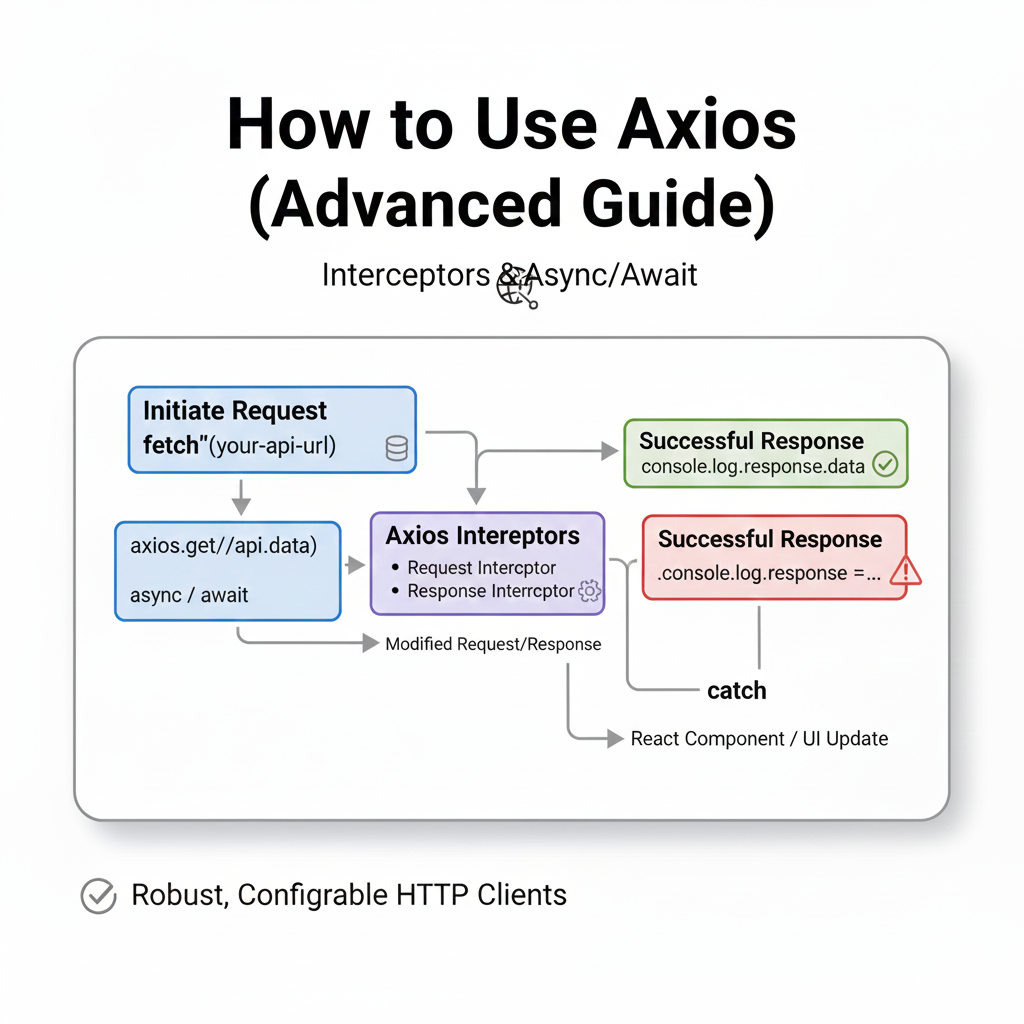
Move beyond axios.get(). Learn advanced Axios with interceptors, cancellation, instances, and file uploads. Professional patterns for seamless API integration. Level up your JavaScript skills.
Beyond the Fetch: Your Advanced Guide to Mastering Axios in the Real World
Let’s be real. If you’re building anything in JavaScript that talks to an API, you’ve probably heard of Axios. It’s that reliable library we npm install almost on autopilot. But for most of us, our usage starts and ends with axios.get() and axios.post(). We’re using a Ferrari to drive to the grocery store.
What if I told you there’s a whole layer of power under the hood that can make your apps faster, more resilient, and way cleaner to maintain? That’s what this advanced guide is for. We’re moving past the basics and diving into the pro-level stuff that separates a functional app from a fantastic one.
Wait, What is Axios Again? (The 10-Second Recap)
In simple terms, Axios is a promise-based HTTP client for JavaScript. It’s a slick, feature-packed alternative to the old-school fetch(). Why do devs love it? It works seamlessly in both Node.js and browsers, has sensible defaults, and handles a ton of annoying boilerplate for you (like transforming JSON data automatically). It’s just… pleasant to use.
But let’s get to the good stuff.
Leveling Up: Advanced Features You’re Probably Not Using
1. Instance & Configuration: Stop Repeating Yourself
Ever caught yourself copy-pasting the same base URL and headers across every single file? That’s a code smell. Enter Axios Instances.
javascript
// apiClient.js - Create your own configured instance
import axios from 'axios';

const apiClient = axios.create({
  baseURL: 'https://api.yourapp.com/v1',
  timeout: 10000, // Request fails after 10 seconds
  headers: {
    'Content-Type': 'application/json',
    // Common header, e.g., API key placeholder
    'X-Client-ID': 'YOUR_CLIENT_ID'
  }
});

// Now use this everywhere!
export default apiClient;

// In your component/service file
import apiClient from './apiClient';

async function fetchUserData() {
  // Just use the relative path. So clean!
  const response = await apiClient.get('/users/me');
  return response.data;
}
This is a game-changer for organization and consistency.
2. Interceptors: The Powerful Middleware for Requests
Interceptors are like bouncers and assistants for your HTTP requests and responses. They let you globally intercept requests to modify them or handle responses/errors before they reach your main code.
Real-World Use Case: Automatic Auth Token Injection & Refresh
javascript
// Add a request interceptor
apiClient.interceptors.request.use(
  (config) => {
    // Get the token from wherever you store it (e.g., localStorage, Redux store)
    const token = localStorage.getItem('auth_token');
    if (token) {
      // If it exists, attach it to EVERY outgoing request
      config.headers.Authorization = `Bearer ${token}`;
    }
    return config;
  },
  (error) => {
    // Do something with request error
    return Promise.reject(error);
  }
);

// Add a response interceptor
apiClient.interceptors.response.use(
  (response) => {
    // Any status code within 2xx triggers this
    return response;
  },
  async (error) => {
    const originalRequest = error.config;

    // If error is 401 (Unauthorized) and we haven't tried a refresh yet
    if (error.response?.status === 401 && !originalRequest._retry) {
      originalRequest._retry = true;

      try {
        // Try to refresh the token
        const refreshToken = localStorage.getItem('refresh_token');
        const { data } = await axios.post('https://api.yourapp.com/refresh', { token: refreshToken });

        // Store the new token
        localStorage.setItem('auth_token', data.accessToken);

        // Update the failed request's header and retry it
        originalRequest.headers.Authorization = `Bearer ${data.accessToken}`;
        return apiClient(originalRequest); // Retry the original request
      } catch (refreshError) {
        // Refresh failed - log the user out
        localStorage.clear();
        window.location.href = '/login';
        return Promise.reject(refreshError);
      }
    }

    // If it's not a 401 or refresh failed, just reject with the error
    return Promise.reject(error);
  }
);
This pattern creates a seamless user experience, silently handling token refreshes in the background.
3. Cancellation: A Must for Modern UX
Imagine a user fires off a search request, then instantly changes their query. The first request is now irrelevant. Why let it finish and potentially cause weird state updates? Use AbortController (the modern way) to cancel it.
javascript
import apiClient from './apiClient';

// Create a signal source
const controller = new AbortController();

async function searchProducts(query) {
  try {
    const response = await apiClient.get('/search', {
      params: { q: query },
      signal: controller.signal // Attach the cancel signal
    });
    setResults(response.data);
  } catch (error) {
    if (axios.isCancel(error)) {
      console.log('Request canceled:', error.message);
      // This was a cancel, not a real error. Don't show an error message.
    } else {
      // Handle actual errors
      console.error('Search failed:', error);
    }
  }
}

// To cancel the request (e.g., in a useEffect cleanup or on a new user input)
function handleSearchChange(newQuery) {
  controller.abort('User typed again'); // Cancel the previous request
  // ...create a new controller for the new request...
  searchProducts(newQuery);
}
This is crucial for performance and preventing race conditions.
4. Progress Tracking & File Uploads
Axios makes it dead simple to track upload (or download) progress, which is perfect for UX feedback.
javascript
const uploadFile = (file) => {
  const formData = new FormData();
  formData.append('file', file);

  const config = {
    onUploadProgress: (progressEvent) => {
      const percentCompleted = Math.round(
        (progressEvent.loaded * 100) / progressEvent.total
      );
      // Update a progress bar state
      setUploadProgress(percentCompleted);
      console.log(`${percentCompleted}% uploaded`);
    },
  };

  return apiClient.post('/upload', formData, config);
};
Best Practices for the Pros
Centralize Your API Layer: Don’t scatter API calls across components. Keep them in dedicated service files (e.g.,
userService.js,productService.js). This makes testing and refactoring a breeze.Handle Errors Gracefully: Use interceptors for global error handling (like 500 errors), but also handle specific API errors locally where you need custom UI logic.
Use Environment Variables: Never hardcode your
baseURL. Use.envfiles.javascript
baseURL: process.env.REACT_APP_API_URL || 'https://fallback-api.com'Set Timeouts: Always set a reasonable
timeouton your instance. Don’t let requests hang forever.Mock it for Testing: Use
axios-mock-adapterto effortlessly mock API responses in your unit tests.
FAQs
Q: Axios vs. Fetch. Seriously, which one?
A: Fetch is built-in and great for simple needs. Choose Axios for its concise syntax, wider browser support (without polyfills), interceptors, request/response transformation, built-in cancellation, and progress events. It’s a productivity tool.
Q: Does Axios work with React Query/SWR?
A: Absolutely! They solve different problems. Use Axios as the mechanism to make the HTTP request. Use React Query/SWR for data fetching, caching, and synchronization. They’re best friends.
Q: How do I handle those pesky CSRF tokens?
A: Axios has a built-in way for common frameworks like Laravel or Rails.javascript axios.defaults.xsrfCookieName = 'csrftoken'; axios.defaults.xsrfHeaderName = 'X-CSRFToken';
Conclusion
Mastering Axios isn’t about memorizing every config option. It’s about strategically using features like Instances for consistency, Interceptors for global logic, and Cancellation for a slick UX to build robust applications that feel professional. It’s one of those tools where a little extra knowledge pays massive dividends in code quality and user experience.
This is the kind of detailed, real-world application architecture we dive into at CoderCrafter. Understanding not just how to code, but how to craft efficient, scalable, and maintainable systems is what sets professional developers apart. To learn professional software development courses such as Python Programming, Full Stack Development, and MERN Stack, visit and enroll today at codercrafter.in. Build your skills, not just your portfolio.









