Lottie Animations 101: Make Your Website Pop Without the Lag
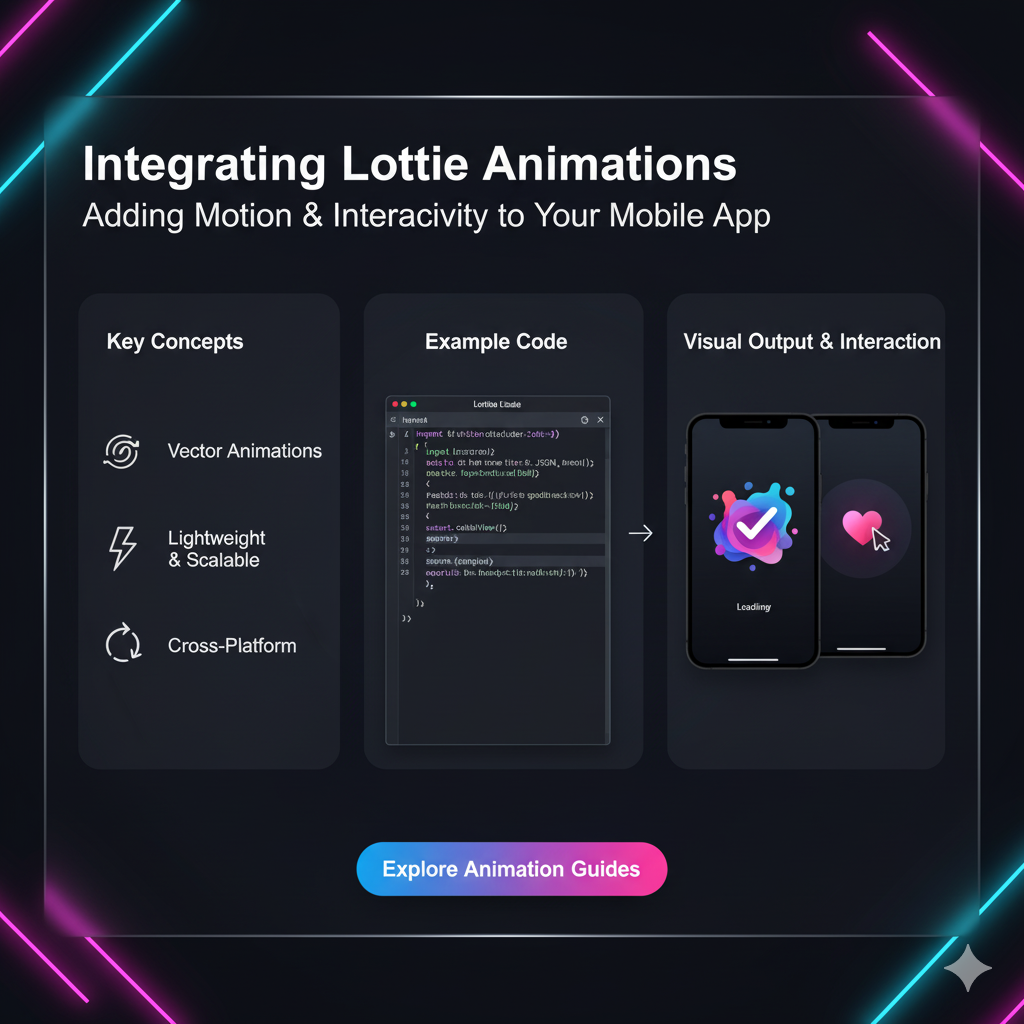
Tired of boring, heavy GIFs? Learn how to integrate lightweight, scalable Lottie animations into your websites and apps. Boost engagement and make your UI/UX shine. Master web development with CoderCrafter.
Level Up Your Website: The No-BS Guide to Lottie Animations
Let's be real for a second. The web can be a pretty static, boring place. For years, if we wanted to add a dash of motion, we were stuck with GIFs—those pixelated, heavy, low-quality relics from the 90s. Or, we'd have to beg a developer to spend days hand-coding a complex animation, only for it to lag on mobile.
Sound familiar?
Thankfully, those days are over. There's a new sheriff in town for web and app animations, and it’s called Lottie.
If you've used apps like Airbnb, Google, or TikTok, you've seen Lottie in action. Those smooth, delightful, tiny animations that load in a blink? Yep, that's Lottie. And the best part? Integrating them into your project is (almost) as easy as adding a photo.
In this deep dive, we're going to break down everything you need to know about Lottie animations. What they are, why they're a game-changer, and exactly how you can start using them today to make your projects look a million bucks.
So, What The Heck is a Lottie Animation?
In simple terms, a Lottie is a JSON-based animation file format. Let's unpack that nerd-speak.
Imagine an animator creates a beautiful, vector-based animation in Adobe After Effects. Instead of exporting it as a bulky MP4 or a crusty GIF, they use a free plugin called Bodymovin. This plugin "bakes" the animation into a single, lightweight .json file.
This JSON file is like a recipe. It doesn't contain the pixels of the animation; it contains the instructions for it: "Move this circle from point A to point B, change its color from blue to red, and do it over 2 seconds."
Then, a tiny JavaScript library (or libraries for iOS, Android, etc.) called Lottie comes along, reads this JSON recipe, and renders the animation perfectly in your browser or app.
The Magic Sauce:
Vector-based: Lotties are made of math, not pixels. This means they are infinitely scalable. Blow them up to the size of a billboard, and they'll still look crystal clear. No more blurry edges!
Lightweight: A complex animation that would be a 500KB GIF can be a 50KB Lottie file. That's a 90% reduction in file size, leading to faster load times and happier users.
Interactive: This is the killer feature. Unlike a GIF or video, you can control a Lottie animation with code. Play, pause, loop, speed up, slow down, or even trigger it on click or scroll.
Why Should You, as a Developer or Designer, Care?
Alright, cool tech. But what's in it for you?
Silky Smooth Performance: Because they're rendered natively, Lottie animations are buttery smooth and have a minimal impact on performance compared to GIFs or video.
Developer-Designer Harmony: Designers can create and ship animations directly. Developers don't have to spend hours recreating them in code. It bridges the gap between design and development beautifully.
Massive Ecosystem: Websites like LottieFiles offer thousands of free, ready-to-use animations. You can just download a JSON file and drop it into your project. No design skills needed!
Dynamic Control: You can change colors, sizes, and even parts of the animation on the fly with code. This is impossible with any other mainstream animation format.
Getting Your Hands Dirty: How to Integrate Lottie (The Simple Way)
Enough theory. Let's code. The easiest way to get started is by using the lottie-web library.
Step 1: Include the Lottie Player
You can load it via a CDN right in your HTML. Just pop this into your <head> tag.
html
<script src="https://cdnjs.cloudflare.com/ajax/libs/bodymovin/5.12.2/lottie.min.js" integrity="sha512-j+JsLjgQYVkA..." crossorigin="anonymous"></script>Step 2: Create a Container for Your Animation
You need a simple HTML element to hold the animation.
html
<div id="lottie-container"></div>Step 3: Load and Play the Animation
Now, a little JavaScript to work its magic.
javascript
// Select the container
const container = document.getElementById('lottie-container');

// Load the animation
const animation = lottie.loadAnimation({
  container: container, // the dom element
  renderer: 'svg', // 'svg', 'canvas', or 'html'
  loop: true,
  autoplay: true,
  path: 'https://assets9.lottiefiles.com/packages/lf20_abc123.json' // URL of the JSON file
});
And that's it! Refresh your page, and you should see your animation playing smoothly.
Pro-Tip: For most use cases, the svg renderer is the best choice as it supports scaling and interactivity the best.
Real-World Use Cases: Where Lottie Absolutely Shines
Lottie isn't just for fancy landing pages. It's a versatile tool that solves real UI/UX problems.
Loading Animations: Replace a boring spinner with a branded, engaging loading animation. It makes waiting feel less tedious.
Success/Error States: A playful checkmark for a successful form submission or a sad face for an error is far more memorable than plain text.
Onboarding Screens: Use subtle animations to guide users through a new app or feature, making the process more engaging.
Micro-Interactions: Animated "like" buttons, hovering effects, or a gentle pull-to-refresh animation. These small details make an app feel alive and responsive.
Explaining Complex Features: A short animation can demonstrate a multi-step process more effectively than a wall of text.
Best Practices: Don't Just Animate for the Sake of It
With great power comes great responsibility. Here’s how to use Lottie like a pro:
Keep it Light: Even though Lotties are small, be mindful. Don't use a 200KB animation on a button. Optimize your files and use the Lottie JSON compressor tools available online.
Subtlety is Key: Animations should enhance the experience, not distract from it. Avoid flashing, jarring, or overly complex motions.
Control the Loop: For loading animations, a loop is perfect. For a success state, you might want to play it only once (
loop: false).Accessibility Matters: Not everyone likes animations. Respect the user's
prefers-reduced-motionsetting. You can detect this in CSS or JavaScript and pause or disable your Lotties accordingly.Fallbacks for Older Browsers: While support is excellent, have a plan for what to show if Lottie isn't supported (e.g., a static SVG image).
Mastering these nuances is what separates a good developer from a great one. To learn professional software development courses such as Python Programming, Full Stack Development, and MERN Stack, visit and enroll today at codercrafter.in. Our curriculum is designed to teach you not just the "how," but the "why" behind industry best practices.
FAQs: Your Lottie Questions, Answered
Q1: Is Lottie free to use?
A: Absolutely! The Lottie library is open-source (Apache License). The LottieFiles platform also has a massive library of free animations.
Q2: Can I edit a Lottie animation after downloading it?
A: Yes! You can use the LottieFiles editor to customize colors, speed, and size without needing After Effects.
Q3: What's the difference between Lottie and GIF?
A: Think of it as a sports car (Lottie) vs. a bicycle (GIF). Lottie is lightweight, scalable, interactive, and smooth. GIF is heavy, pixelated, and static.
Q4: Are there any performance concerns?
A: If you go overboard and have dozens of complex animations on a single page, you might see a performance hit. Use them strategically and test on lower-powered devices.
Q5: Can I use Lottie in my React/Vue/Angular projects?
A: 100%! There are official and community-built wrappers for all major frameworks (e.g., lottie-react, lottie-vuejs) that make integration a breeze.
Conclusion: The Future of Web Animation is Here
Lottie has fundamentally changed how we think about adding motion to digital products. It’s no longer a trade-off between quality and performance. We can now have beautiful, performant, and interactive animations that truly elevate the user experience.
It’s a skill that’s rapidly becoming a standard in the toolkit of modern front-end developers and product designers. So, go ahead, head over to LottieFiles, pick an animation, and try integrating it into your next project. You'll be amazed at how much life a little bit of motion can bring.
And if you're looking to build a rock-solid foundation in modern web development, understanding tools like Lottie is just the beginning. To learn professional software development courses such as Python Programming, Full Stack Development, and MERN Stack, visit and enroll today at codercrafter.in. We'll help you craft the skills to build the future, one pixel (or one JSON file) at a time.









