Level Up Your App: A 2025 Guide to 3D Animations in React Native
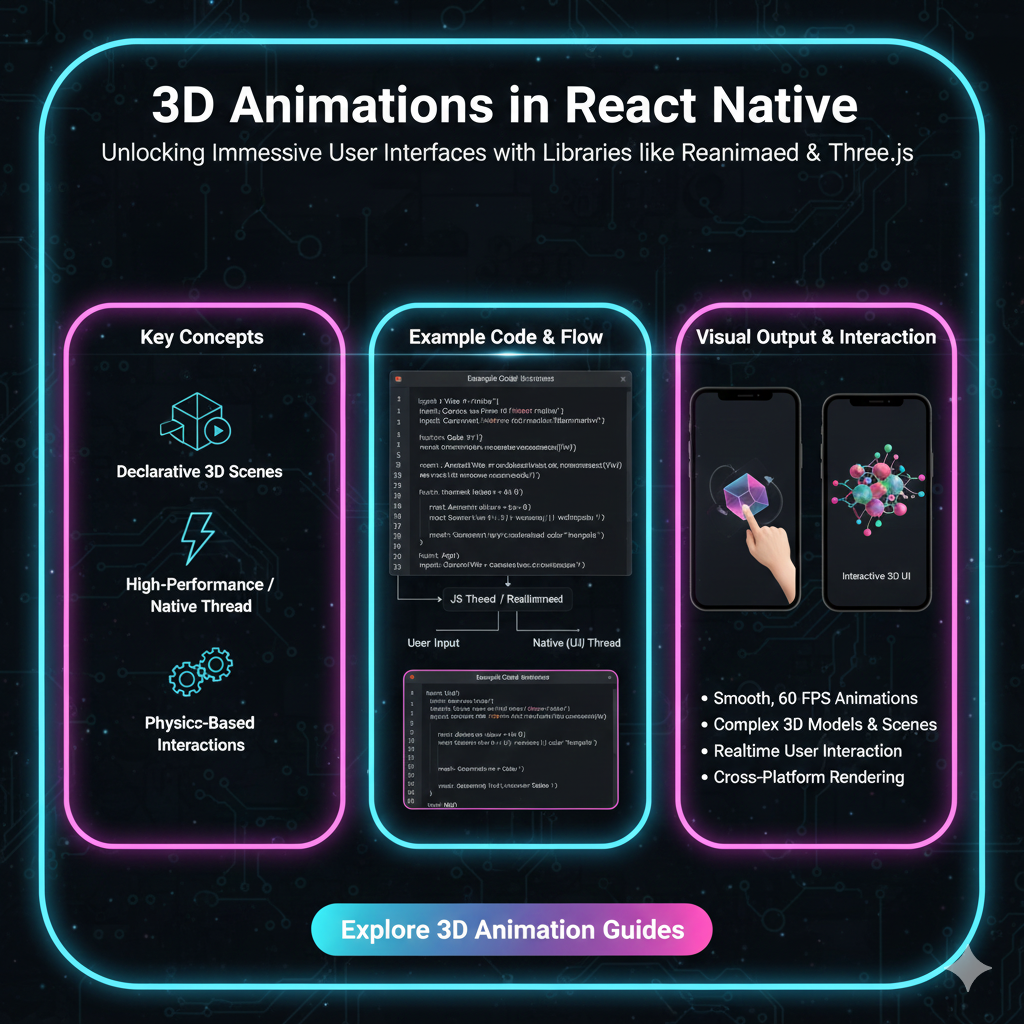
Want to make your React Native app pop? Dive into our in-depth guide on 3D animations. Learn with libraries like Three.js, React Native Reanimated, and real-world examples. Ready to build the future? Enroll in our MERN Stack & Full Stack courses at CoderCrafter.in!
Let's be real. The app stores are crowded. A million to-do lists, a billion social media clones. How do you make your app not just another app, but an experience? The answer, more and more, is leaning into the third dimension.
We're not talking about the clunky 3D of the early 2000s. We're talking about smooth, interactive, and beautiful 3D animations that feel native to your phone. Think of the slick product visualizations in the IKEA app, the immersive character viewers in gaming apps, or the satisfying, physics-based transitions in the latest fintech apps.
If you're a React Native developer, you might be thinking, "That sounds cool, but isn't 3D super complex? And in React Native? Is that even possible?"
The answer is a resounding YES. And it's more accessible than you think. This isn't just a tutorial; it's your deep dive into the why and how of 3D in React Native. We'll break down the libraries, the code, the real-world use cases, and the best practices to get you from "I wish" to "I built that."
First Things First: Why Bother with 3D?
Before we get our hands dirty with code, let's talk strategy. Why should you invest the extra effort?
Next-Level User Engagement: A 3D model is inherently more engaging than a static image. Users can rotate, zoom, and interact, creating a memorable connection with your content.
Sky-High Visual Appeal: Let's not sugarcoat it—3D looks cool. It instantly makes your app feel more premium and modern.
Clarity Through Visualization: For complex products (like a custom sneaker or a piece of furniture), a 3D model can show details far more effectively than a carousel of 2D images.
The "Wow" Factor: In a sea of flat, 2D apps, a well-executed 3D feature can be your secret weapon for app store featuring and word-of-mouth marketing.
Your Toolkit: Libraries to Build the 3D Magic
React Native doesn't handle 3D out of the box. You need to bring in the heavy lifters. Here are the champions you need to know.
1. react-three-fiber & react-three/drei: The Power Duo
If you're serious about 3D, this is your go-to stack. react-three-fiber (R3F) is a React renderer for Three.js, which is the undisputed king of web-based 3D graphics. It lets you write Three.js code using JSX, which feels incredibly natural in a React/React Native environment.
@react-three/drei is a collection of useful helpers and abstractions for R3F that saves you from writing a ton of boilerplate code.
The Vibe: This is the most powerful and flexible option. You have near-total control over the 3D scene, lighting, materials, and animations.
When to Use It: For complex, custom 3D scenes—like a full product configurator, an interactive game element, or a data visualization sphere.
2. react-native-3d-model-view: The Straightforward Solution
This library is a simpler wrapper around popular native 3D model viewers. It's great for one primary job: displaying a static or animated 3D model.
The Vibe: Less code, less setup, but also less control. You give it a model file, and it displays it.
When to Use It: Perfect for when you just need to drop a 3D model viewer into your app without building an entire scene with custom lights and cameras. Think of a simple "View in 3D" feature.
3. react-native-reanimated & react-native-gesture-handler: The Interaction Engine
While not 3D libraries per se, these two are absolutely critical. Reanimated allows you to create buttery-smooth 60 FPS animations driven by gestures or any other logic. Gesture Handler gives you superior control over touch interactions.
The Vibe: You use these with your 3D library to make the models interactive. They handle the "user rotates the model by swiping" part of the equation.
Let's Build: A Simple, Interactive 3D Cube
Enough theory. Let's create a simple, rotatable 3D cube using react-three-fiber. We'll assume you have a React Native project set up.
Step 1: Install the Dependencies
Bash
bash
npm install three @react-three/fiber @react-three/drei react-native-gesture-handler react-native-reanimatedFor iOS, you might need to run npx pod-install ios.
Step 2: The Code (App.js or your screen component)
JavaScript
jsx
import React, { useRef } from 'react';
import { View, StyleSheet } from 'react-native';
import { Canvas } from '@react-three/fiber/native'; // Note the /native import!
import { useFrame } from '@react-three/fiber/native';
import { GestureHandlerRootView, PanGestureHandler } from 'react-native-gesture-handler';
import Animated, { useAnimatedGestureHandler, useSharedValue, withSpring } from 'react-native-reanimated';

// Our 3D Cube Component
function RotatingCube(props) {
  const meshRef = useRef(null);

  // This hook runs on every frame (60fps!)
  useFrame((state, delta) => {
    if (meshRef.current) {
      // This creates the auto-rotation. Comment this out if you only want gesture control.
      meshRef.current.rotation.y += delta * 0.5; // Rotates 0.5 radians per second
    }
  });

  return (
    <mesh {...props} ref={meshRef}>
      <boxGeometry args={[1, 1, 1]} /> {/* Width, Height, Depth */}
      <meshStandardMaterial color={'orange'} />
    </mesh>
  );
}

export default function App() {
  const rotateX = useSharedValue(0);
  const rotateY = useSharedValue(0);

  const gestureHandler = useAnimatedGestureHandler({
    onActive: (event) => {
      // Map pan gesture to rotation
      rotateY.value = withSpring(event.translationX / 100);
      rotateX.value = withSpring(event.translationY / 100);
    },
    onEnd: () => {
      // Spring back to zero when gesture ends
      rotateY.value = withSpring(0);
      rotateX.value = withSpring(0);
    },
  });

  return (
    <GestureHandlerRootView style={{ flex: 1 }}>
      <View style={styles.container}>
        <PanGestureHandler onGestureEvent={gestureHandler}>
          <Animated.View style={styles.container}>
            <Canvas>
              <ambientLight intensity={0.5} />
              <spotLight position={[10, 10, 10]} angle={0.15} penumbra={1} />
              <pointLight position={[-10, -10, -10]} />
              {/* We pass the animated rotation values to our cube */}
              <RotatingCube rotation-x={rotateX} rotation-y={rotateY} />
            </Canvas>
          </Animated.View>
        </PanGestureHandler>
      </View>
    </GestureHandlerRootView>
  );
}

const styles = StyleSheet.create({
  container: {
    flex: 1,
    backgroundColor: '#f0f0f0',
  },
});
What's Happening Here?
<Canvas>: This is our 3D stage from R3F. Everything inside it is part of our 3D world.<RotatingCube>: Our custom component. It uses a<mesh>(a 3D object), a<boxGeometry>(the shape), and a<meshStandardMaterial>(the "paint").useFrame: This is the magic hook that lets us update the scene on every frame. Here, it's auto-rotating the cube.Gesture Handling: We wrapped the
Canvasin aPanGestureHandler. When the user swipes, we calculate the rotation and pass it to the cube'srotation-xandrotation-yprops, making it follow the user's finger.
This is a basic example, but it showcases the core concepts: setting up a scene, creating an object, and making it interactive.
Where is This Used IRL? (Real-World Use Cases)
This isn't just academic. Companies are using this right now to build better products.
E-Commerce: The IKEA Place app is the poster child. You can see how a virtual piece of furniture looks in your actual room. This drastically reduces purchase uncertainty.
Gaming & Metaverse: Character customization screens, inventory views, and interactive environments are all powered by 3D.
Education: Imagine a medical app where students can rotate a 3D model of the human heart. Or a history app with explorable ancient artifacts.
Automotive: Car configurators are a classic. Change the paint color, rims, and interior, and see it update in real-time on a 3D model.
Mastering these skills puts you at the forefront of modern app development. To learn professional software development courses such as Python Programming, Full Stack Development, and MERN Stack, which are fundamental to building complex backends for apps like these, visit and enroll today at codercrafter.in.
Best Practices: Don't Ship a Laggy App
With great power comes great responsibility. 3D can be heavy. Here’s how to keep it smooth.
Optimize Your 3D Models: This is rule #1. Use low-poly models, compress textures, and use formats like
.glb(binary glTF) which are designed for the web/mobile.Manage State Wisely: Avoid unnecessary re-renders of your entire 3D canvas. Use React's state management and memoization techniques effectively.
Lazy Load 3D Content: Don't load the 3D model until the user is about to see it. This improves initial load time significantly.
Test on Real Devices: Always, always test performance on a real, mid-range device, not just your powerful development simulator.
FAQs: Your Burning Questions, Answered
Q1: Do I need to be a 3D artist to use this?
A: Not necessarily! You can find tons of free, ready-to-use 3D models on sites like Sketchfab and TurboSquid. For custom work, you might need a 3D artist, or you can learn the basics of Blender (a free 3D tool).
Q2: Will this make my app size huge?
A: It can, which is why model optimization is crucial. A simple, low-poly model with compressed textures might only be a few hundred KB.
Q3: Is the performance good enough for games?
A: For complex 3D games, you might still be better off with a native game engine like Unity or Unreal. But for integrating 3D elements into a standard app (which is 95% of use cases), React Native with R3F is more than capable.
Q4: What's the biggest challenge?
A: The learning curve. You're learning React Native, plus Three.js concepts (scenes, meshes, materials, lighting). But once you get the fundamentals, it becomes incredibly powerful.
Conclusion: The Future is 3D (and You Can Build It)
Integrating 3D animations into React Native is no longer a dark art. It's a accessible, powerful skill that can truly make your applications stand out. With libraries like react-three-fiber abstracting away the hardest parts, you can focus on what matters: creating incredible user experiences.
Start small. Build a rotating logo. Then a product viewer. Before you know it, you'll be building immersive, app-defining features that users love.
The journey from a beginner to a developer who can ship stunning, interactive apps is what we're passionate about. If you're ready to take that journey and master not just 3D animations but the entire full-stack, from the backend with Node.js to the frontend with React Native, explore our project-based courses at codercrafter.in. Let's build the future, together.
Now it's your turn! Have you tried building 3D in React Native? What was your experience? Let us know on social media and tag us @codercrafter!









