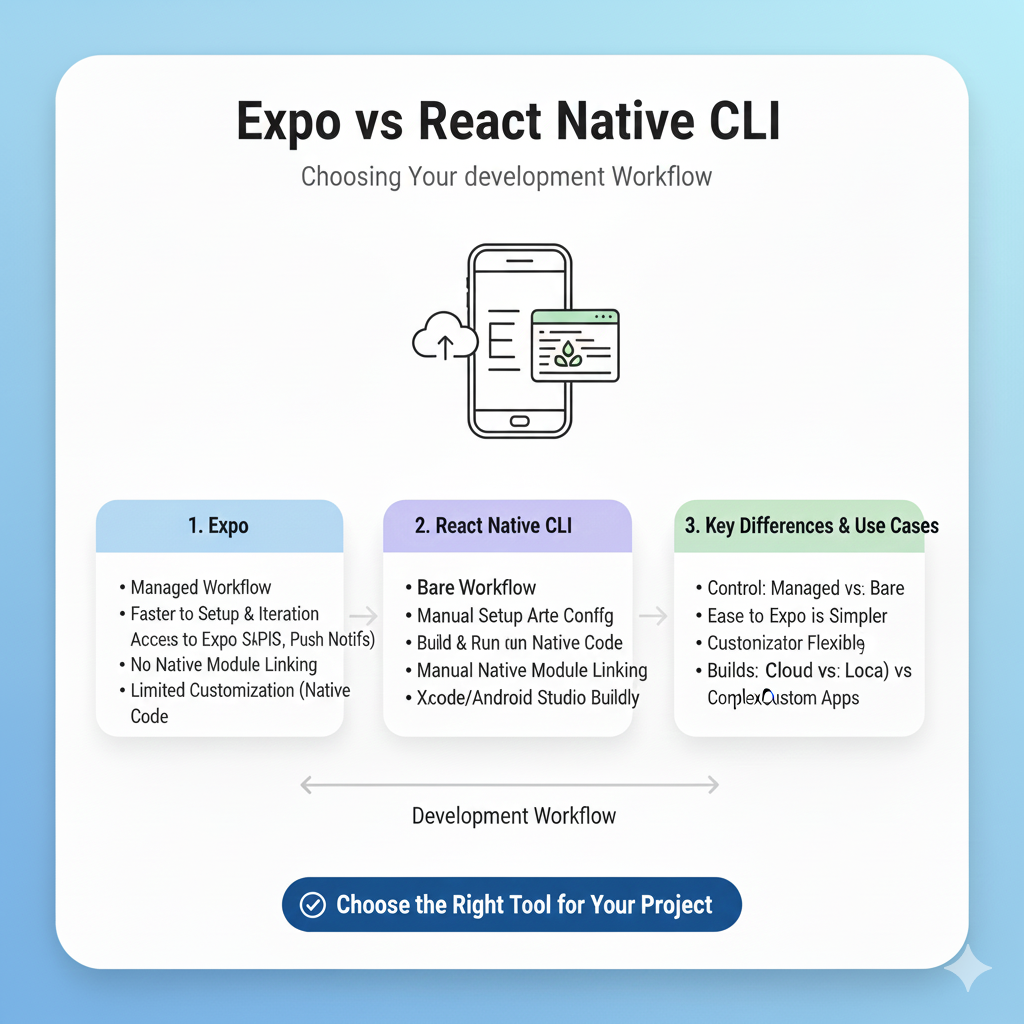
Confused between Expo and React Native CLI? Our in-depth 2025 guide breaks down pros, cons, performance, and use cases to help you make the perfect choice for your next app.
The Mobile Dev Crossroads You Can’t Avoid
Here’s a familiar scene: you’ve got a killer app idea. You’ve settled on React Native because, hey, one codebase for two platforms is a no-brainer. You fire up your terminal, ready to start… and then it hits you. Expo or React Native CLI? The question every React Native developer wrestles with, and the internet is full of outdated takes that’ll leave you more confused than ever.
Let’s cut through the noise. This isn’t 2019 anymore. The lines between Expo and the “bare” CLI have blurred dramatically, making the old “Expo for beginners, CLI for pros” mantra pretty much obsolete .
So, which one is your best bet for shipping a top-tier app in 2025? We're breaking it all down—the hype, the trade-offs, and the straight facts—so you can make a choice you won’t regret three months into development.
Unpacking the Players: It’s Not a Simple Battle
First, let's be clear: this isn't a fight between two competing frameworks. Think of React Native as the powerful, sometimes-complex engine. Expo is the full-featured, modern chassis and navigation system built around it to make your drive infinitely smoother .
React Native CLI is the traditional, "do-it-yourself" route. You get direct access to the raw ios/ and android/ project folders from day one. It’s maximal control and maximal responsibility. You handle the native build tools (Xcode, Android Studio), linking libraries, and managing signing certificates. It’s the path of ultimate flexibility, often chosen for apps that need deep, custom integrations with device hardware or niche third-party SDKs .
Expo is a framework and platform of tools designed to abstract away that complexity. It started as a “managed workflow” – a cozy, protective bubble where you could build apps with just JavaScript. If you needed something outside the bubble, you had to “eject,” leaving Expo’s comfort behind for good. That’s the old story .
Expo in 2025 is a different beast. The game-changer is its "prebuild" or "custom" workflow. Now, you can start in the cozy managed bubble, but when you need direct native access, you can run npx expo prebuild. This generates the native project files for you. You can then modify them, add custom native code, and still use Expo’s incredible cloud build service (EAS) and over-the-air update system . You’re not ejected; you’ve just expanded your workshop.
The 2025 Showdown: Where They Actually Differ
Let’s get practical. Here’s how they stack up today on what matters most.
Feature / Aspect | Expo (Managed / Prebuild) | React Native CLI (Bare) |
|---|---|---|
Getting Started | Minutes. | Hours (or days). Installing Xcode, Android Studio, and configuring environments is a rite of passage . |
Native Code Access | Seamless when you need it. Start managed, use prebuild for native modules. Full access without a messy divorce . | Full control from day one. Direct edit of Gradle files, |
Building & Deploying | Streamlined with EAS. Cloud builds handle iOS builds without a Mac, manage credentials, and submit to stores . | Manual or custom CI/CD. You orchestrate the build pipeline, signing, and store submissions . |
Development Testing | Magic with Expo Go. Instant preview on any physical device by scanning a QR code . For custom native code, use Development Builds . | Platform-specific. Requires emulators or USB debugging on physical devices. More steps, less instant gratification . |
App Size & Performance | Slightly larger baseline (~25MB+ for "Hello World") due to the included SDK, but fine for 90% of apps . | Potentially leaner (<15MB) if you’re meticulous, offering a slight edge for performance-critical apps . |
The Learning Curve | Gentle. You learn React Native and the Expo SDK. You can delay diving into native code until necessary. | Steeper. You need to be comfortable with the React Native ecosystem and native platform tooling much sooner . |
Real-World Use Cases: Which Path for Your Project?
The choice isn't about which tool is "better," but which is better for your specific situation.
Choose Expo If...
You’re Building an MVP or Startup App: Speed is your oxygen. Expo lets you validate your idea and iterate with users blindingly fast .
Your Team is Web-Focused: If your strength is in JavaScript/React, Expo lets you leverage that superpower without getting bogged down in native build complexities .
You Need Over-the-Air (OTA) Updates: Pushing bug fixes or new features directly to users without waiting for App Store review is a built-in Expo superpower .
You’re Unsure of Future Needs: Start with the managed workflow. If you later need a custom native module, use
prebuild. Expo gives you a clear upgrade path without starting over .
Choose React Native CLI If...
Your App is Heavily Native-Dependent: Think advanced Bluetooth interactions, custom audio processing, or integration with a proprietary hardware SDK. Having direct file access from the start can be simpler .
App Size is a Critical Metric: If you’re targeting regions with slow internet or have strict size limits, the ability to micromanage every dependency in the CLI can save crucial megabytes .
You Have an Existing Native Team: If your team has strong iOS/Android engineers who are comfortable with Xcode and Android Studio, they might prefer the "no abstraction" approach of the CLI .
You Need the Absolute Latest RN Version: Expo’s SDK typically lags a few weeks behind the latest React Native release. The CLI lets you update the day a new version drops .
Best Practices for a Rock-Solid App (Regardless of Your Choice)
Building with modern tools is great, but building well is what makes an app last. Here are key practices from seasoned developers:
Structure by Feature, Not by Type: Organize your code into folders like
/auth,/profile, and/feed, grouping components, hooks, and styles together. This makes features modular and easier to navigate .Embrace Functional Components & Hooks: This is the modern React standard. They lead to cleaner, more reusable code than class components .
Separate Your Styles: Keep your
StyleSheet.create()definitions in a separate file (e.g.,styles.js). It declutters your component logic and makes styling easier to manage .Optimize Your Lists: Never use a basic
ScrollViewfor long lists. Always useFlatListorSectionList, which efficiently recycle items off-screen for buttery smooth scrolling .Manage State Thoughtfully: Don’t reach for a global state manager like Redux for every piece of data. Start with local component state (
useState) and context, and only scale up when you have a clear need for global state management .
Mastering these architectural patterns is crucial for professional development. To learn professional software development courses such as Python Programming, Full Stack Development, and MERN Stack, visit and enroll today at codercrafter.in. A strong foundation in these core principles will serve you across any framework or toolchain you choose.
Your Burning Questions, Answered (FAQs)
Q: Is Expo just for prototyping, or can I use it for production apps?
A: This is the biggest myth. Expo is absolutely production-ready. Major companies use it to power real, user-facing applications. Its tooling for building, updating, and monitoring is built for production scale .
Q: What happens if I need a native library Expo doesn’t support?
A: You don’t hit a dead end. You use the expo prebuild command to generate native projects, then install the library natively. You can still use most of Expo’s services afterward. It’s a detour, not a roadblock .
Q: Does Expo lock me into their cloud services (EAS)?
A: Not at all. While EAS Build (their cloud build service) is a fantastic paid product with a generous free tier, you can always prebuild your project and build it locally with Xcode and Android Studio, just like a CLI project .
Q: Which one is faster in terms of app performance?
A: For most standard apps, the difference is negligible. The core React Native bridge is the same. CLI apps can have a slight edge in startup time and size if heavily optimized, but Expo’s performance is excellent for the vast majority of use cases .
The Final Verdict: Your 2025 Decision Matrix
So, what’s the final call? The landscape has shifted decisively.
For most developers and most projects starting in 2025, Expo is the default, sensible choice. Its developer experience is unparalleled, it drastically reduces the "mobileness" of mobile development, and its flexible workflows mean you likely won’t outgrow it.
Start with React Native CLI only if you have a specific, immediate requirement that Expo’s prebuild workflow can’t easily accommodate, or if your team’s expertise is deeply rooted in native mobile development.
The best news? This isn’t a permanent, high-stakes decision anymore. With Expo’s modern workflows, you can start simple and embrace complexity only when—and if—your app demands it. That’s a powerful place to be.