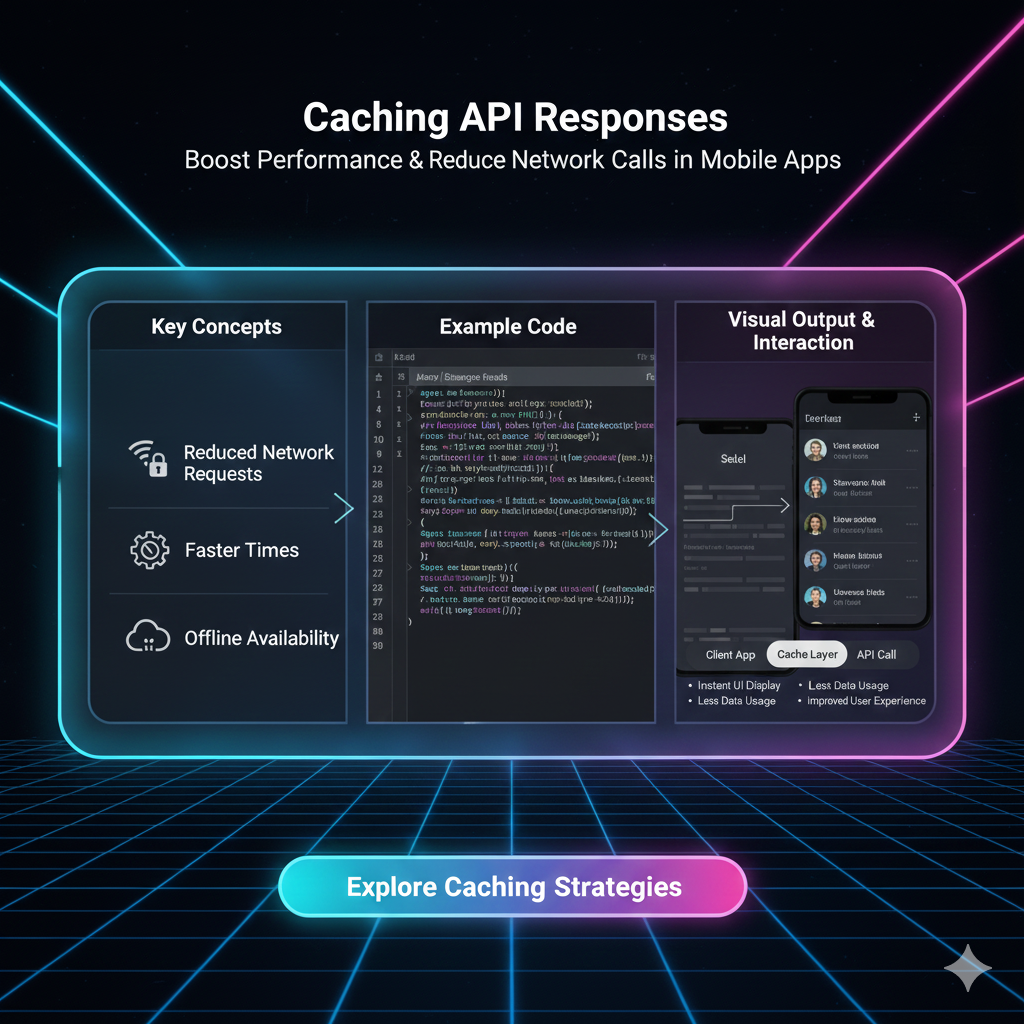
Tired of slow APIs? Learn how caching API responses can supercharge your app's performance, reduce server load, and improve UX. Master strategies like Redis, CDNs, and more. Enroll in CoderCrafter's expert-led courses today!
Let's be real for a second. You're browsing an e-commerce site, clicking on a category, and... the loading spinner just won't quit. You tap your fingers, you sigh, and a tiny part of you considers just closing the tab. We've all been there.
In today's world, speed isn't just a feature; it's an expectation. Users have the attention span of a goldfish, and if your app doesn't load in the blink of an eye, they're gone. So, what's the number one culprit behind these frustrating delays? Often, it's inefficient APIs making repeated, unnecessary trips to the database.
But what if there was a way to serve that data instantly? A magic trick that makes your app feel lightning-fast, reduces your server costs, and keeps your users happy.
Spoiler alert: There is. It's called Caching.
And in this deep dive, we're not just going to tell you what it is. We're going to break down exactly how to implement it like a pro, with real-world examples and battle-tested best practices. Buckle up.
So, What Exactly is Caching an API Response?
In simple terms, caching is the process of storing a copy of data in a temporary storage location (a "cache") so that future requests for that same data can be served faster.
Think of it like this: You're a chef in a busy restaurant. Every time someone orders a "Spaghetti Carbonara," you could run to the farm to get the eggs, milk the cow, and cut the wheat to make the pasta. That would be ridiculously slow, right? Instead, you keep pre-prepared ingredients in your fridge. The fridge is your cache. You're saving a ton of time and effort by not starting from scratch every single time.
In the digital world:
The Chef: Your backend server.
The Order: An API request (e.g.,
GET /api/products).The Farm/Database: The slowest part of the journey, where the actual data is fetched.
The Fridge/Cache: A super-fast storage layer (like Redis or Memcached) that holds the final, prepared API response.
When a request comes in, your server first checks the cache. If the data is there ("a cache hit"), it serves it immediately. If not ("a cache miss"), it fetches it from the database, stores a copy in the cache for next time, and then sends it back to the user.
Why Should You Even Bother? The Tangible Benefits.
Caching isn't just a "nice-to-have." It's a game-changer for three core reasons:
Blazing Fast Performance: This is the big one. Reading data from RAM (where most caches live) is thousands of times faster than querying a database, especially a disk-based one. This slashes response times from hundreds of milliseconds to single digits. Your users will feel the difference.
Reduced Server Load & Cost: Every cached request is a request your database doesn't have to handle. This means you can serve more users with fewer servers, directly translating to lower cloud-hosting bills and better scalability during traffic spikes.
Improved Reliability and Graceful Degradation: If your primary database has a hiccup or goes down, a robust caching layer can sometimes continue to serve stale data for non-critical features, keeping your application at least partially functional instead of completely breaking down.
Real-World Use Cases: Where Caching Shines
Let's move beyond theory. Where would you actually use this?
E-commerce Product Listings: The list of products in a category (e.g., "Laptops") changes infrequently. Caching the
GET /api/products?category=laptopsresponse for 10 minutes is a no-brainer. Massive performance gain for a huge number of users.Social Media Feeds: While your personal feed is unique, the data for a specific, viral post is viewed by millions. Caching the
GET /api/posts/{post_id}response can prevent your databases from melting down.News Article Pages: A top news story gets slammed with traffic. The article content itself is static once published. Caching it for an hour or even a day is perfectly fine and ensures the site stays up under load.
User Session Data: Storing user login information in a cache (like Redis) is a classic and highly effective pattern. It's fast and allows for easy session management across multiple servers.
How to Implement Caching: A Practical Strategy Guide
Alright, let's get our hands dirty. How do you actually code this? The strategy depends on what you're caching and where.
1. In-Memory Caches (The Heavy Hitters)
This is the most common and powerful approach for application-level caching.
Redis: The undisputed king. It's an in-memory data structure store that can be used as a database, cache, and message broker. It's incredibly fast, supports complex data types, and offers persistence options.
Memcached: A simpler, distributed memory caching system. Great for storing simple key-value pairs. It's a bit more limited than Redis but can be faster for basic use cases.
Example Scenario with Node.js and Redis:
Let's say you have an endpoint to get a user's profile.
javascript
// WITHOUT Caching
app.get('/api/users/:id', async (req, res) => {
  const user = await User.findById(req.params.id); // Always hits the database!
  res.json(user);
});

// WITH Caching
const redis = require('redis');
const client = redis.createClient();

app.get('/api/users/:id', async (req, res) => {
  const { id } = req.params;
  const cacheKey = `user:${id}`;

  // Step 1: Check the cache first
  const cachedUser = await client.get(cacheKey);

  if (cachedUser) {
    console.log('Cache HIT!');
    return res.json(JSON.parse(cachedUser)); // Serve from cache
  }

  console.log('Cache MISS!');
  // Step 2: If not in cache, get from database
  const user = await User.findById(id);

  if (!user) {
    return res.status(404).json({ message: 'User not found' });
  }

  // Step 3: Store the response in cache for future requests (e.g., for 1 hour)
  await client.setEx(cacheKey, 3600, JSON.stringify(user));

  // Step 4: Send the response
  res.json(user);
});
See the magic? The second, third, and thousandth request for that user will be served from Redis, which is wildly faster than the database.
2. CDN Caching (For Static & Semi-Static Assets)
A CDN (Content Delivery Network) is a globally distributed network of proxy servers. You can cache your entire API response at the CDN level, placing it physically closer to your users around the world. This is perfect for public, immutable data.
Use Case: Caching images, videos, CSS/JS files, and even API responses for
GET /api/blog/posts.
3. HTTP Caching (The Browser's Role)
Don't forget the client-side! You can use standard HTTP headers to instruct the user's browser to cache responses.
Cache-Control: The most important header.max-age=3600tells the browser to cache the response for one hour.ETag/Last-Modified: For conditional requests, allowing the browser to ask "Has this data changed?" instead of re-downloading it every time.
Best Practices & Common Pitfalls to Avoid
Caching is powerful, but with great power comes great responsibility.
Choose the Right Cache Key: The key (e.g.,
user:123) must uniquely identify the data. Including the user ID, query parameters, and even the endpoint path is a good practice.Set a Sensible TTL (Time-To-Live): How long should data live in the cache? It depends. Product listings? 10-30 minutes. User profiles? Maybe 5 minutes. News articles? Several hours. Use a strategy that balances freshness with performance.
Implement Cache Invalidation (The Hard Part): What happens when the underlying data changes? You need a strategy to evict or update the cached copy. Common methods are:
TTL-based: Just wait for it to expire. Simple but can serve stale data.
Write-Through: Update the cache at the same time you update the database.
Cache Eviction on Update: Actively delete the cache key when the data is updated (e.g.,
DEL user:123), forcing the next request to fetch fresh data.
Don't Cache Everything: Avoid caching personalized data (e.g.,
/api/my-private-cart), data that changes with every request, or sensitive information unless absolutely necessary.Plan for Cache Misses: Your code should be efficient and resilient whether it's a cache hit or a miss.
FAQs: Your Burning Questions, Answered
Q1: Can I cache POST/PUT requests?
Generally, no. Caching is primarily for safe, idempotent operations like GET. POST and PUT requests, which change data, should not be cached.
Q2: How is caching different from a database?
A database is the source of truth, designed for persistence and complex queries. A cache is a temporary, volatile storage for speed, often holding computed or pre-formatted results from the database.
Q3: What happens when the cache is full?
Caches like Redis and Memcached use eviction policies (like LRU - Least Recently Used) to automatically remove old or less-used data to make space for new entries.
Q4: Does caching make my application stateful?
It can introduce some state, but modern distributed caches like Redis are designed to be shared across multiple stateless application servers, maintaining the overall statelessness of your app architecture.
Conclusion: Stop Hammering Your Database, Start Caching
Caching is not an advanced, esoteric concept reserved for FAANG companies. It's a fundamental pillar of modern software development. By strategically storing frequently accessed data, you unlock unprecedented performance, scalability, and user satisfaction.
It's the difference between an app that feels clunky and one that feels buttery-smooth. It's the engineering that happens behind the scenes to make things just work.
Mastering concepts like caching, along with building robust APIs, is what separates a hobbyist coder from a professional software engineer.
Ready to build these kinds of high-performance, scalable applications yourself? To learn professional software development courses such as Python Programming, Full Stack Development, and the MERN Stack, visit and enroll today at codercrafter.in. Our project-based curriculum is designed to take you from fundamentals to advanced, industry-ready skills, teaching you how to implement game-changing techniques like caching in real-world scenarios. Don't just code—build things that scale.