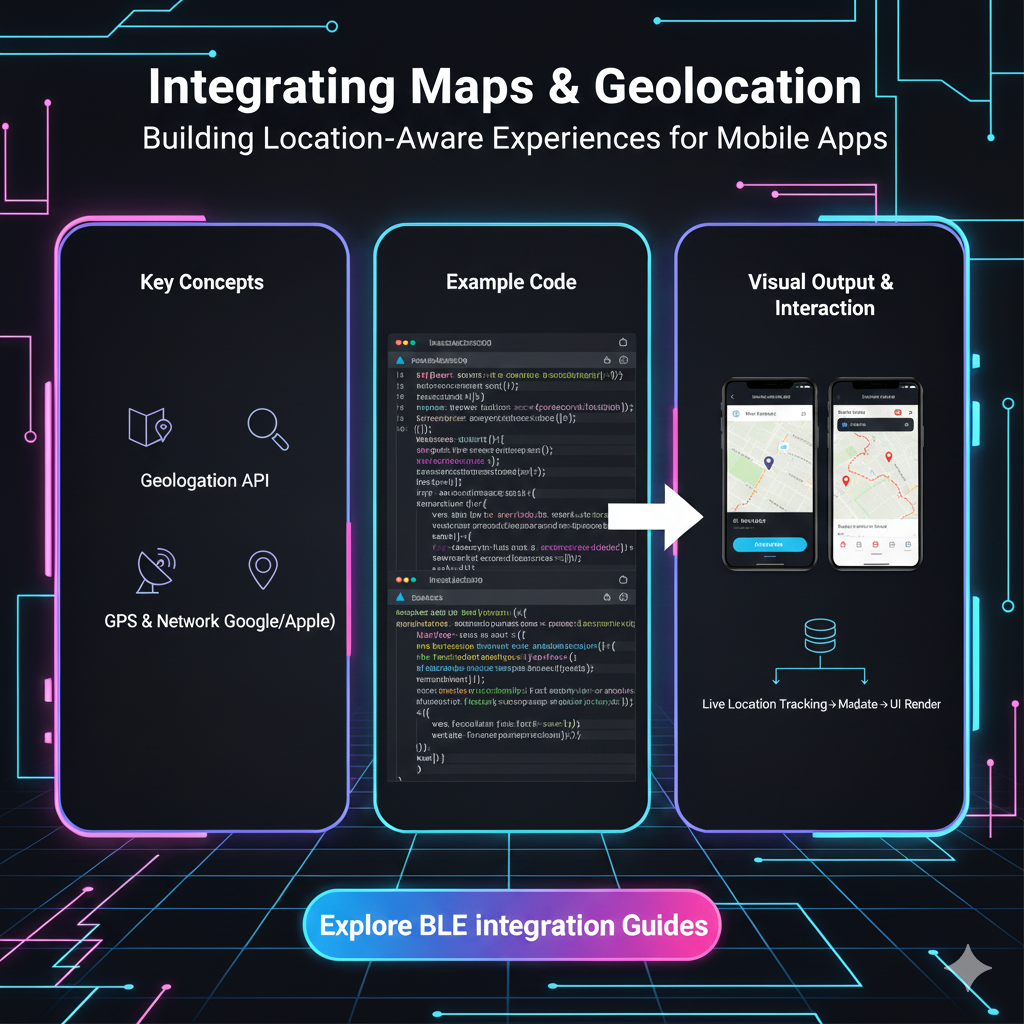
Learn how to integrate maps & geolocation into your apps. We break down the tech, show real-world use cases, share best practices, and answer FAQs. Level up your skills with CoderCrafter's courses!
Let's be real. We use maps every single day. It’s not just about finding the quickest route to a cafe anymore. It's about checking into a place on Instagram, ordering food with a live delivery tracker, finding a scooter to rent nearby, or even playing that augmented reality game that had us all walking around parks chasing digital creatures.
As users, we take this for granted. But as developers? This stuff is pure magic. And the good news is, the magic is now accessible to pretty much anyone who can code.
So, if you've ever wondered how to move from using maps to building with them, you're in the right place. Let's break down the world of maps and geolocation, no jargon-filled nonsense, just straight-up, actionable info.
First Things First: What's the Actual Difference?
People often use "maps" and "geolocation" interchangeably, but they're two sides of the same coin.
Geolocation: This is all about the "where."* It's the process of figuring out the real-world geographic location of a device (like your phone or laptop). It's the raw data—a set of latitude and longitude coordinates. Think of it as your dot on a blank canvas.
Maps: This is the "what's around."* It's the visual representation of that location. It's the canvas itself, complete with streets, landmarks, and terrain. It takes your raw coordinates and makes them meaningful.
In short: Geolocation finds you, Maps show you where you are.
How Does My Phone Even Know Where I Am? (The Tech Behind the Magic)
It feels like sorcery, but it's actually a clever combo of a few technologies:
GPS (Global Positioning System): The OG. It talks to satellites orbiting the Earth to triangulate your position with crazy accuracy, especially outdoors. This is what your car's navigation uses.
Wi-Fi Positioning: Your device looks at the Wi-Fi networks around you and checks their known locations. This is super useful indoors where GPS signals are weak. Ever noticed how your location gets more precise as soon as you turn on Wi-Fi? That's why.
Cellular Triangulation: Your phone pings off nearby cell towers. By measuring the signal strength from different towers, it can get a rough estimate of your location. It's less accurate but works as a fallback.
IP Address Lookup: The least accurate method. It basically guesses your location based on the geographic region of your Internet Service Provider. It might get your city right, but don't expect it to find your specific apartment.
Your phone smartly combines all these data points to give you that super accurate blue dot.
The Toolkit: APIs and Services You Can Actually Use
You don't need to build your own satellite network. Big tech companies have done the heavy lifting for you, providing powerful APIs (Application Programming Interfaces).
The Heavy Hitters:
Google Maps Platform: The undisputed king. It's incredibly powerful, detailed, and feature-rich. From displaying a simple map to complex routes, street view, and advanced data visualization, it can do it all. It's a paid service, but it has a generous free tier.
Mapbox: The cool, customizable challenger. Developers love Mapbox for its stunning design flexibility. You can style the maps to match your app's brand perfectly. It's also performant and has a great developer experience.
Leaflet: The lightweight open-source hero. If you need a simple, interactive map without the bells and whistles (and potential costs) of the big platforms, Leaflet is your best friend. It's mobile-friendly and does the job beautifully.
The Geolocation API: The Web Standard
For getting the user's location directly in a web browser, we have the HTML5 Geolocation API. It's a standard way to request the user's location with a simple JavaScript call. You've definitely seen the pop-up: "This site wants to know your location." That's it!
A quick code snippet because why not:
javascript
if ("geolocation" in navigator) {
  // Geolocation is supported!
  navigator.geolocation.getCurrentPosition(
    (position) => {
      // Success! Do something with the location.
      const latitude = position.coords.latitude;
      const longitude = position.coords.longitude;
      console.log(`You're at: ${latitude}, ${longitude}`);
      // Now you can plot this on your Mapbox/Google map!
    },
    (error) => {
      // User denied the request, or something else went wrong.
      console.error("Error getting location:", error);
    }
  );
} else {
  // Geolocation is not supported by this browser.
  alert("Sorry, your browser doesn't support geolocation.");
}
Real-World Use Cases: This is Where It Gets Exciting
This isn't just theoretical. This tech is powering billion-dollar industries.
Food Delivery & Ride-Sharing (The Obvious Ones): Uber, Swiggy, Zomato. Live tracking is their core feature. They use geolocation to find you, find the nearest driver/rider, and then use mapping APIs to calculate ETAs and show live movement.
Social Media & Networking: Ever used the "Nearby Friends" feature on Facebook? Or checked in at a restaurant? That's geolocation data being tagged to your social activity.
Fitness & Health Apps: Strava, Nike Run Club. They track your route, distance, and pace by continuously capturing your geolocation throughout your run or cycle.
E-commerce & Logistics: "Track Your Order" pages with a little map showing your package's journey from the warehouse to your doorstep. This improves customer experience massively.
Augmented Reality (AR): Games like Pokémon GO or apps that show you information about restaurants when you point your phone at them rely on precise geolocation and device orientation.
On-Demand Services: Finding the nearest ATM, gas station, or co-working space. Your app uses your location to filter and sort the most relevant results.
Best Practices: Don't Be That App
Integrating location is powerful, but with great power comes great responsibility. Follow these rules to keep your users happy and trusting.
Ask Permission, and Explain Why: Don't just blast the user with a vague permission request. Ask at a relevant moment and explain why you need it. "To find restaurants near you, we need access to your location." is much better than a scary, context-less system pop-up.
Handle Denials Gracefully: The user has every right to say "No." Your app should not break if they do. Have a fallback, like letting them manually enter their location.
Mind the Performance: Continuously tracking location (high accuracy) drains the battery. Use it only when necessary. For simpler needs, a one-time, less accurate location might be enough.
Prioritize User Privacy: This is non-negotiable. Be transparent about how you store and use location data. Don't sell it. Don't track them in the background without explicit consent. Follow regulations like GDPR.
Test, Test, Test: Location behavior can be different on iOS vs. Android, and across different browsers. Test thoroughly.
FAQs: Your Burning Questions, Answered
Q1: Is the Geolocation API free to use?
Yes, the browser's Geolocation API itself is free. However, the map services you use to display that location (like Google Maps or Mapbox) have their own pricing models, though they almost always include a free tier for low-volume usage.
Q2: How accurate is the Geolocation API?
It can be very accurate (within 10-20 meters) with GPS enabled. Accuracy decreases with indoor use, reliance on IP address, or if the user denies high-accuracy permissions.
Q3: Can I get a user's location without their permission?
No. And you shouldn't try. Browsers are very strict about this for privacy reasons. The user must always grant permission through the browser prompt.
Q4: What's the difference between getCurrentPosition and watchPosition?getCurrentPosition is a one-time request. It gets the location once and stops. watchPosition is like a live subscription. It keeps watching and returns the location whenever it changes (like for a live tracking app). It's more power-intensive.
Q5: Which mapping service should I choose for my project?
For maximum features and reliability: Google Maps Platform.
For design control and performance: Mapbox.
For a simple, lightweight, and free solution: Leaflet.
Conclusion: Your World to Build
Integrating maps and geolocation is no longer a "nice-to-have" skill—it's a fundamental part of creating modern, interactive, and useful applications. From the simple "Find a Store" feature to complex real-time logistics, understanding this tech opens up a world of possibilities.
It might seem daunting at first, but start small. Get your current location with the Geolocation API. Plot a single point on a free Leaflet map. Before you know it, you'll be building the next big location-based app.
The journey from a user to a creator starts with understanding the tools. To learn professional software development courses such as Python Programming, Full Stack Development, and MERN Stack, which cover these essential concepts and much more, visit and enroll today at codercrafter.in. We'll help you build the skills to not just use the digital world, but to shape it.