Jotai State Management: The Simple, Scalable Solution for React Devs
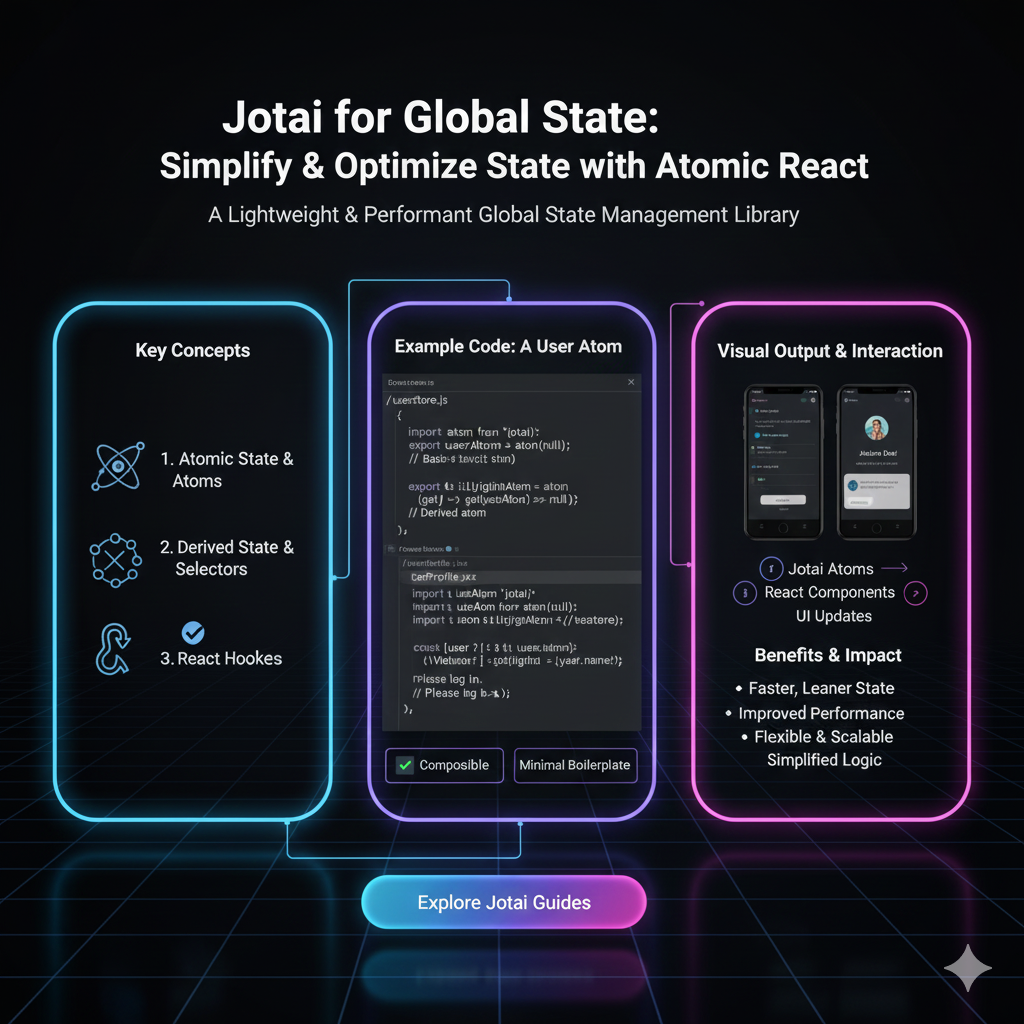
Struggling with React state management? Discover Jotai—the minimal, flexible global state library. Learn core concepts, real-world examples, best practices, and how it compares to Redux or Zustand. Plus, boost your skills with CoderCrafter’s professional dev courses.
Hey devs! 👋 Let's talk about something we all struggle with at some point in our React journey: state management.
You know the drill—you start with useState, life is good. Then you need to pass props three components deep (prop drilling, anyone?). You reach for Context, but then updates feel clunky, and performance becomes a concern. Before you know it, you're drowning in Redux boilerplate or wrapping everything in Zustand.
What if I told you there's a library that gives you the flexibility of global state with almost zero learning curve and minimal code? Enter Jotai.
In this deep dive, we're breaking down Jotai—what it is, why it’s gaining serious traction, and how you can use it to simplify your apps. No jargon, no fluff, just straight-up useful insights.
What Exactly is Jotai?
Jotai (meaning "state" in Japanese) is a minimal, flexible state management library for React built on an atomic model. Think of it like React’s own useState, but for global state—without the boilerplate of Redux or the setup of Context.
Its core philosophy? Simplicity. You define small, independent pieces of state (atoms), and your components subscribe to only the atoms they need. When an atom updates, only the components using it re-render. Clean, efficient, and incredibly intuitive.
Why Jotai Over Redux or Zustand?
Redux: Powerful, but oh man, the boilerplate—actions, reducers, dispatchers, selectors. It’s overkill for many projects.
Zustand: Great and minimal, but still store-based (you manage one big store).
Jotai: Truly granular. You manage individual atoms, compose them freely, and get optimized re-renders automatically.
If you’re tired of writing tons of code just to manage a simple piece of state, Jotai feels like a breath of fresh air.
Core Concepts: It’s All About Atoms
Let’s get practical. Jotai revolves around two main ideas: atoms and hooks.
1. Atoms
An atom is a unit of state. You can create one with atom():
jsx
import { atom } from 'jotai';

const countAtom = atom(0); // Initial value is 0
const userAtom = atom({ name: 'Alex', posts: 0 });
Yes, it’s that simple. No configureStore, no combineReducers.
2. UseAtom Hook
This is where the magic happens. useAtom works just like useState, but globally:
jsx
import { useAtom } from 'jotai';

function Counter() {
  const [count, setCount] = useAtom(countAtom);
  return (
    <div>
      <p>Count: {count}</p>
      <button onClick={() => setCount(count + 1)}>Increment</button>
    </div>
  );
}
Any component using useAtom(countAtom) shares the same state. Updates are synchronized across your app instantly.
Real-World Example: Theme Toggling & User Data
Let’s build something you’ll actually use—a theme switcher and a user profile update.
jsx
// atoms.js
import { atom } from 'jotai';

export const themeAtom = atom('light');
export const userAtom = atom({
  name: 'Priya',
  email: 'priya@example.com',
  theme: 'light'
});

// ThemeToggle.jsx
import { useAtom } from 'jotai';
import { themeAtom, userAtom } from './atoms';

export default function ThemeToggle() {
  const [theme, setTheme] = useAtom(themeAtom);
  const [user, setUser] = useAtom(userAtom);

  const toggleTheme = () => {
    const newTheme = theme === 'light' ? 'dark' : 'light';
    setTheme(newTheme);
    setUser({ ...user, theme: newTheme });
  };

  return (
    <div className={`app ${theme}`}>
      <p>Current theme: {theme}</p>
      <p>User's preferred theme: {user.theme}</p>
      <button onClick={toggleTheme}>Toggle Theme</button>
    </div>
  );
}
Notice how seamlessly two atoms can be updated together? That’s the beauty of Jotai—it’s straightforward and composable.
Advanced Patterns: Derived Atoms and Async Atoms
Jotai shines when you need computed state or async operations.
Derived Atoms
Create atoms that depend on other atoms:
jsx
const basePriceAtom = atom(100);
const discountAtom = atom(10);

// Derived atom
const finalPriceAtom = atom((get) => {
  const price = get(basePriceAtom);
  const discount = get(discountAtom);
  return price - (price * discount) / 100;
});
When basePriceAtom or discountAtom changes, finalPriceAtom updates automatically—and only components using finalPriceAtom re-render.
Async Atoms
Need to fetch data? No problem.
jsx
const postsAtom = atom(async (get) => {
  const userId = get(userAtom).id;
  const response = await fetch(`https://jsonplaceholder.typicode.com/posts?userId=${userId}`);
  return response.json();
});
Jotai handles the async flow, providing loading/error states through React Suspense or manual handling.
When Should You Use Jotai?
Medium to large React apps where prop drilling becomes messy.
Projects needing granular re-renders without memoization headaches.
Teams wanting low boilerplate and easy onboarding.
Apps with complex state logic that can be broken into atoms.
It’s not just for global state—use it for local complex state, too!
Best Practices to Keep in Mind
Keep Atoms Small: Each atom should hold minimal, focused data.
Compose Atoms: Build complex state from simple atoms.
Use Atom Family for Lists:
atomFamilyhelps manage dynamic lists of atoms (like todo items).Leverage DevTools: Jotai has browser DevTools for debugging—use them!
Optimize Read-Only Atoms: Use
useAtomValuefor read-only atoms to avoid unnecessary re-renders.
Jotai vs. The World: A Quick Reality Check
vs. Redux: Jotai has less code, no action types, and is easier to maintain. Redux still wins for extremely structured, enterprise-scale apps with middleware needs.
vs. Zustand: Zustand is store-based; Jotai is atomic. Zustand might feel simpler for small, independent stores; Jotai excels when state is interconnected.
vs. Context: Jotai avoids Context’s re-render issues and is more performant for frequent updates.
FAQs About Jotai
Q: Is Jotai production-ready?
A: Absolutely! It’s used by companies like Vercel and stable in production.
Q: Can I use Jotai with Next.js?
A: Yes, and it works seamlessly with SSR. Just be mindful of async atoms during server rendering.
Q: How’s the learning curve?
A: If you know React hooks, you’ll learn Jotai in under an hour.
Q: Does it support TypeScript?
A: Full support—and the types are fantastic.
Q: Can I replace Redux entirely with Jotai?
A: In most cases, yes. Unless you rely heavily on Redux middleware or specific plugins.
Conclusion: Why Jotai Might Be Your Next Go-To
State management doesn’t have to be a chore. Jotai offers a refreshing, minimal approach that aligns perfectly with React’s component mindset. It scales gracefully, reduces boilerplate, and just… makes sense.
Whether you’re building a small project or a large-scale app, give Jotai a try. You might never look back.
Feeling inspired to level up your React skills? To learn professional software development courses such as Python Programming, Full Stack Development, and MERN Stack, visit and enroll today at codercrafter.in. Our curated programs help you master modern tools like Jotai and build production-ready applications.
Got questions or Jotai experiences to share? Drop them in the comments below! Let’s keep the conversation going.









