JSX in React Native: The 2025 Guide to Building Mobile Apps
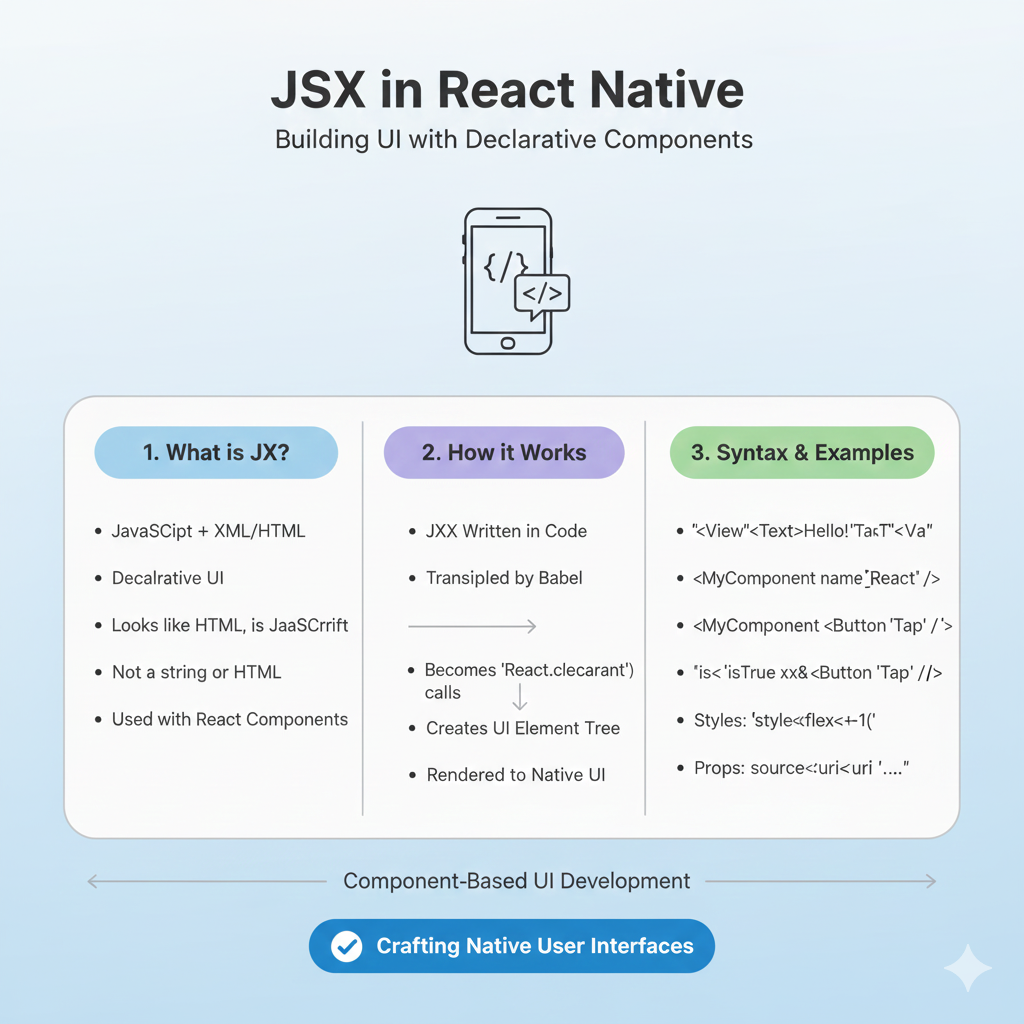
Master JSX in React Native! This in-depth 2025 guide covers syntax, real-world examples, best practices from industry giants, and performance tips for building cross-platform mobile apps.
If you've ever looked at React Native code and wondered how HTML-like tags work inside JavaScript, you've encountered the magic of JSX—the secret sauce that makes modern app development feel almost too easy.
Let's be real: building native mobile apps used to be a massive pain. You needed separate teams for iOS and Android, mastered languages like Swift and Kotlin, and prayed the two versions would look and feel the same. Then React Native changed the game entirely, allowing developers to build for both platforms with a single JavaScript codebase. And at the very heart of this revolution is JSX—a syntax that looks like HTML but packs the full power of JavaScript.
In this guide, I'm going to break down everything you need to know about JSX in React Native for 2025. We'll move beyond the basics and dive into practical patterns, best practices from industry leaders, and how this technology powers apps you use every day.
What Exactly IS JSX?
JSX stands for JavaScript XML. It's not a template language or a new framework—it's a syntax extension that lets you write HTML-like structures directly inside your JavaScript files.
Here's the simplest example:
javascript
const element = <Text>Hello, world!</Text>;That <Text>Hello, world!</Text> isn't a string, and it's not HTML either. Under the hood, tools like Babel compile it down to regular JavaScript function calls. Essentially, JSX gives you a more intuitive way to describe what your user interface should look like.
Why Does JSX Even Exist?
The React team (and the broader community) realized something crucial: rendering logic is inherently tied to other UI logic. How your app looks depends on your data, your state changes, and how you handle user interactions. Instead of artificially separating markup (HTML) from logic (JavaScript) into different files, React brings them together in components—self-contained units that contain both.
JSX is that bridge. It makes your UI code more readable and expressive while giving React the information it needs to show helpful error messages. Think of curly braces {} in JSX as creating a "portal into JS functionality" right inside your markup.
JSX in React Native vs. ReactJS: What's the Difference?
This trips up a lot of beginners. While ReactJS (for web) and React Native (for mobile) share the same core principles and JSX syntax, there are key differences in how you use it.
Aspect | ReactJS (Web) | React Native (Mobile) |
|---|---|---|
Core Components | Uses HTML tags ( | Uses platform-specific components ( |
Styling | Uses CSS (files, modules, or frameworks like Tailwind). | Uses a JavaScript object-based styling system. |
Event Handling | Uses DOM events ( | Uses mobile-optimized events ( |
Underlying Output | Creates and updates the browser's DOM. | Renders to native iOS and Android views. |
In React Native, <View> is your go-to container, similar to a <div> on the web, and <Text> is used for all text—you can't just put text directly inside a <View>.
Writing JSX: Rules of the Road
JSX is stricter than HTML. Follow these rules to avoid common pitfalls:
Return a Single Root Element: A component must return one top-level element. Wrap siblings in a
<View>or use an empty tag called a Fragment (<>...</>).Close Every Tag: All tags must be closed. Use
<Image />instead of<Image>.camelCase for Attributes: HTML attributes like
stroke-widthbecomestrokeWidth. The big one:classbecomesclassName.Dynamic Content with Curly Braces: Embed any JavaScript expression inside
{ }.
javascript
// A functional component with JSX
import { View, Text, Image } from 'react-native';

const UserProfile = ({ userName, avatarUrl }) => {
  return (
    <View className="container">
      <Image source={{ uri: avatarUrl }} />
      <Text>Welcome back, {userName.toUpperCase()}!</Text>
      <Text>Logged in at {new Date().toLocaleTimeString()}</Text>
    </View>
  );
};
Leveling Up: JSX Best Practices for 2025
Building a "Hello World" app is one thing. Building a maintainable, high-performance app that scales is another. Here are industry best practices to write better JSX and React Native code.
1. Split Components Wisely
Don't create monolithic components. Divide your UI into Presentational Components (focused on how things look) and Container Components (focused on how things work, managing state and logic). This makes your code easier to test, reuse, and reason about.
2. Separate Your Styles
Avoid inline styles cluttering your JSX. Define style objects with StyleSheet.create() in a separate file or at the bottom of your component file for cleaner code.
javascript
// Instead of this:
<View style={{ padding: 20, backgroundColor: '#fff' }}>

// Do this:
import { StyleSheet } from 'react-native';
const styles = StyleSheet.create({
  container: { padding: 20, backgroundColor: '#fff' }
});
<View style={styles.container}>
3. Embrace Functional Components & Hooks
The modern React Native paradigm uses functional components with Hooks. They're simpler and more concise than class components. Use useState for state and useEffect for side effects.
javascript
import React, { useState } from 'react';

const HungryCat = (props) => {
  const [isHungry, setIsHungry] = useState(true);

  return (
    <>
      <Text>My cat {props.name} is {isHungry ? 'hungry' : 'full'}</Text>
      <Button
        onPress={() => setIsHungry(false)}
        title={isHungry ? 'Feed the cat!' : 'Thank you!'}
      />
    </>
  );
};
4. Manage State Effectively
For simple component state, useState is perfect. For complex app-wide state (like user authentication or shopping carts), consider state management libraries like Redux with middleware (Thunk/Saga) for predictable state updates.
5. Optimize for Performance
Optimize Images: Compress and resize images. Serve them via a CDN.
Use Key Extractor: Always use a unique
keyprop for items in a list.Memoize Components: Use
React.memo()to prevent unnecessary re-renders of components.
Where JSX and React Native Shine: Real-World Giants
This isn't just theoretical. Some of the biggest tech companies in the world rely on React Native (and by extension, JSX) for their mobile apps:
Meta: Uses it extensively within Facebook, Instagram, and WhatsApp for parts of their applications.
Microsoft: Leverages React Native for apps like Microsoft Office and Xbox, even extending it to desktop with React Native Windows/macOS.
Shopify: Builds all their mobile apps with React Native, emphasizing developer velocity and a consistent user experience.
Amazon & Wix: Have been early adopters, using it to rapidly deliver features across platforms.
These companies prove that JSX and React Native are battle-tested for building high-quality, scalable applications.
Your JSX FAQs, Answered
Q: Is JSX mandatory in React Native?
A: No, but it's highly recommended. You could write React.createElement() calls directly, but JSX is far more readable and is used in virtually all production codebases.
Q: Can I use web HTML tags like <div> in React Native?
A: No. React Native provides its own set of Core Components like <View>, <Text>, and <ScrollView> that map to native iOS/Android views.
Q: How is JSX secure?
A: JSX helps prevent XSS (cross-site-scripting) attacks. React automatically escapes any values embedded in JSX before rendering them, converting everything to a safe string first.
Q: What's the future of React Native and JSX?
A: Very bright. With the New Architecture (Fabric) fully rolled out, performance is nearing true native levels. The ecosystem continues to grow with tools like Expo simplifying development, and support is expanding to new platforms like wearables and foldable devices.
Conclusion: Your Next Steps with JSX
JSX is the expressive, powerful syntax that makes building mobile interfaces with React Native feel intuitive. It blends the structure of markup with the logic of JavaScript, enabling the component-based architecture that defines modern development.
Mastering JSX means more than learning syntax—it's about embracing patterns that lead to clean, maintainable, and high-performance apps. The demand for developers who can build cross-platform applications efficiently is only growing.
Ready to move from tutorials to building professional applications? To learn professional software development, including deep dives into React Native, modern JavaScript, and full-stack development, visit and enroll today at codercrafter.in. Our project-based courses in Python Programming, Full Stack Development, and the MERN Stack are designed to turn concepts into career-ready skills.









