AsyncStorage + Redux Persist Guide for React Native (2025)
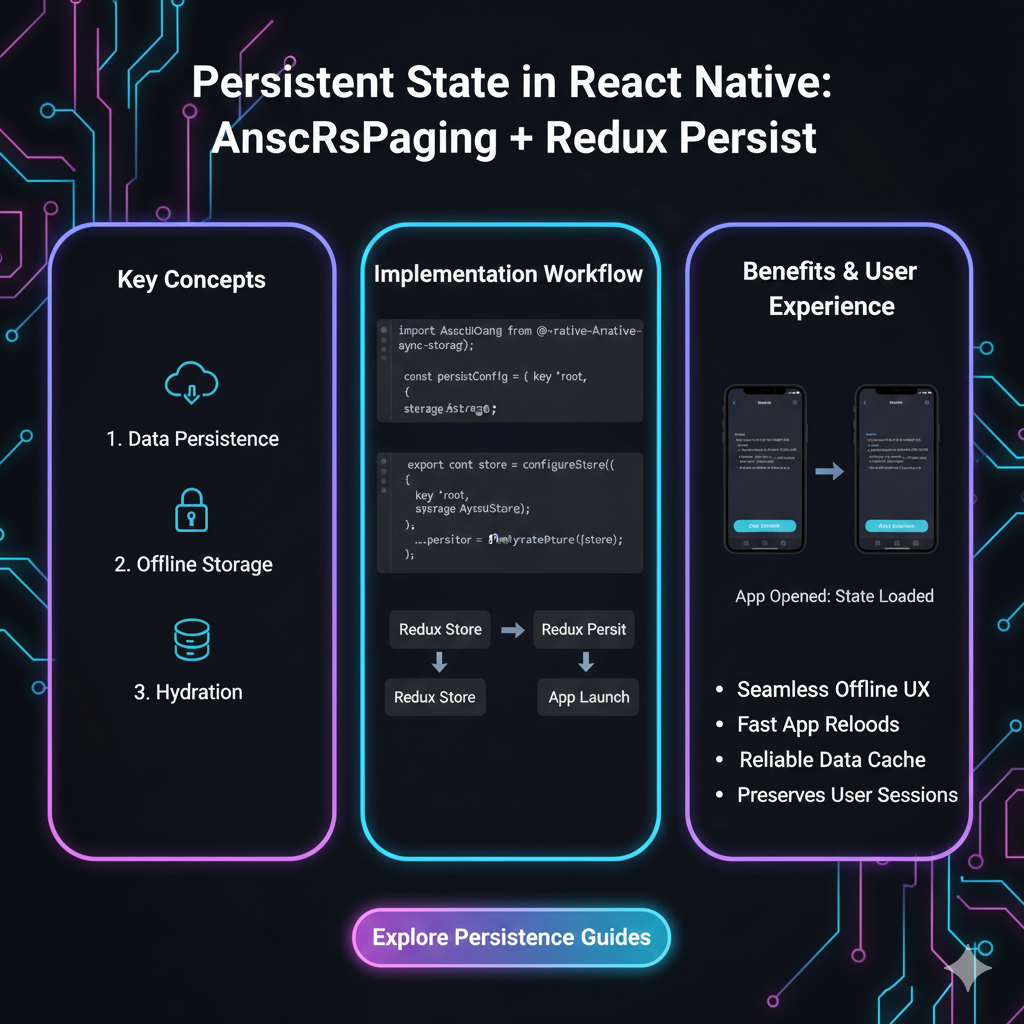
Struggling with state loss in React Native? Our in-depth 2025 guide to AsyncStorage & Redux Persist covers setup, best practices, and pro tips. Learn to persist user data like a pro.
Mastering AsyncStorage + Redux Persist: The Ultimate Offline Data Hack for React Native
Alright, let's be real. We've all been there. You're building a slick React Native app, everything's working perfectly—state is flowing, components are rendering, it's chef's kiss. Then you close the app. You reopen it. And… poof. Everything's gone. Your user's profile, their theme preference, that cart they spent 20 minutes filling up? Vanished. Cue the bad reviews and uninstalls.
This is the problem state persistence solves. And in the React Native world, the classic, battle-tested duo to fix this is AsyncStorage and Redux Persist. It's like giving your app a memory.
But how do you actually implement it without getting lost in config hell? What are the gotchas? And is it even still the best practice in 2024? Let's dive in, no fluff, just the stuff you need to know.
What's the Deal? AsyncStorage & Redux Persist Explained Simply
Let's break down the players in this combo.
AsyncStorage is your React Native key-value storage system. Think of it as a simple, persistent JavaScript object that lives on the device's storage. It's asynchronous (hence the name), meaning it won't block your JavaScript thread while reading/writing. It's global, unencrypted, and perfect for storing non-sensitive stuff like user preferences, session data, or offline content. It's the foundational closet where you can shove things to find them later.
Redux Persist is the super-organized friend who takes your Redux state, seamlessly saves it to a storage engine (like AsyncStorage), and then rehydrates your app with that state when it launches again. Without it, you'd be manually writing slices of state to AsyncStorage on every change and manually retrieving them on launch—a tedious and error-prone process.
Together, they work like this:
You configure Redux Persist with your Redux store and tell it: "Use AsyncStorage as the storage engine."
When your Redux state changes, Redux Persist automatically saves a copy of it (or specific parts) to AsyncStorage.
When the app restarts, before your UI renders, Redux Persist grabs that saved state from AsyncStorage and "rehydrates" your Redux store with it.
Your app loads, already knowing exactly who the user is and what they were doing. Magic.
Let's Get Our Hands Dirty: The Implementation Walkthrough
Enough theory. Let's code. We'll set up a simple auth and user preference flow.
Step 1: Install the Squad
bash
npm install @react-native-async-storage/async-storage redux-persistNote: We're using the community-maintained @react-native-async-storage/async-storage package, not the deprecated core one.
Step 2: Configure the Redux Store with Persist
This is where the magic is wired up. Let's look at your store.js or store.ts file.
javascript
import { configureStore } from '@reduxjs/toolkit';
import { combineReducers } from 'redux';
import { persistStore, persistReducer } from 'redux-persist';
import AsyncStorage from '@react-native-async-storage/async-storage';

// Your reducers
import authReducer from './authSlice';
import userPrefsReducer from './userPrefsSlice';

// Persist Config: This is the brain of the operation
const persistConfig = {
  key: 'root', // Key for the persisted state in AsyncStorage
  storage: AsyncStorage, // Define the storage engine
  whitelist: ['auth', 'userPrefs'], // Which reducers to persist (blacklist is the opposite)
  // You could also use `blacklist: ['temporaryData']`
};

// Combine your reducers
const rootReducer = combineReducers({
  auth: authReducer,
  userPrefs: userPrefsReducer,
});

// Wrap your rootReducer with the persistReducer
const persistedReducer = persistReducer(persistConfig, rootReducer);

// Create the store with the persisted reducer
export const store = configureStore({
  reducer: persistedReducer,
  middleware: (getDefaultMiddleware) =>
    getDefaultMiddleware({
      serializableCheck: {
        // Ignore these action types from redux-persist (common fix for non-serializable values)
        ignoredActions: ['persist/PERSIST', 'persist/REHYDRATE'],
      },
    }),
});

// Create the persistor (the object that handles the persistence)
export const persistor = persistStore(store);
Step 3: Wrap Your App Root with the PersistGate
In your main App.js or index.js, you need to delay app rendering until the persisted state has been retrieved and rehydrated.
javascript
import React from 'react';
import { Provider } from 'react-redux';
import { PersistGate } from 'redux-persist/integration/react';
import { store, persistor } from './src/store';
import AppNavigator from './AppNavigator';
import { ActivityIndicator, View } from 'react-native';

const App = () => {
  return (
    <Provider store={store}>
      {/* PersistGate loads the persisted state */}
      <PersistGate
        loading={
          <View style={{ flex: 1, justifyContent: 'center', alignItems: 'center' }}>
            <ActivityIndicator size="large" />
          </View>
        }
        persistor={persistor}
      >
        <AppNavigator />
      </PersistGate>
    </Provider>
  );
};

export default App;
Boom! That's the core setup. Your auth and userPrefs state will now survive app restarts and even device reboots.
Real-World Use Cases: Where You'd Actually Use This
User Authentication: Persist the auth token and basic user info. No one likes logging in every single time they open the app.
App Settings & Theme: Dark mode/Light mode preference, font size, notification settings—classic use case.
Shopping Cart/ Favorites: Let users add items offline. The cart persists until they checkout or clear it.
Draft Content: A user is writing a post or a note, the app closes accidentally? Persist the draft.
Onboarding Status: "Don't show this again." Persist that the user has seen the onboarding flow.
The Gotchas & Best Practices (The "Read This or You'll Regret It" Section)
It's Not Encrypted: Never, ever store sensitive information like passwords, full credit card details, or private keys in plain AsyncStorage. For that, use something like React Native Keychain or Expo SecureStore.
Size Limits: AsyncStorage has a default limit of around 6MB per app on Android and iOS. For large data (like cached videos/images), look into filesystem libraries.
Data Migration: What happens when you update your app and your state structure changes? You need versioning and migration. Redux Persist has a
migratefunction in the config for this.javascript
const persistConfig = {
  key: 'root',
  storage: AsyncStorage,
  version: 2, // Increment this
  migrate: (state) => {
    // If version in storage is 1, transform it to version 2 structure
    if (state && state._persist.version !== 2) {
      // Migration logic here
      state.userPrefs.newField = 'defaultValue';
    }
    return Promise.resolve(state);
  },
};
Performance: Persisting large, frequently changing state can cause jank. Use the
whitelist/blacklistaggressively. Don't persist your entire 10,000-item feed cache.Debugging: Stuck? Clear the storage during development:
AsyncStorage.clear()ornpx react-native-async-storage/async-storage managefor a GUI.
FAQs (The Quick-Fire Round)
Q: Is AsyncStorage + Redux Persist still relevant in 2024 with libraries like TanStack Query and Zustand?
A: Absolutely. While TanStack Query handles server-state caching brilliantly, you still need a solution for client-state persistence. Zustand has its own persistence middleware (often using AsyncStorage). Redux Persist remains the most robust and integrated solution for classic Redux setups.
Q: Can I use it with Redux Toolkit?
A: Yes! The example above uses Redux Toolkit. It works seamlessly.
Q: My state isn't persisting. What's wrong?
A: 99% of the time: 1) Check your whitelist/blacklist. 2) Ensure non-serializable data isn't being stored (like functions). 3) Check for errors in the PersistGate loading phase.
Q: What about web?
A: Redux Persist can use different storage backends. For web, you'd typically use localStorage or sessionStorage via redux-persist/lib/storage.
Q: How do I manually purge the persisted state?
A: persistor.purge(). Useful for implementing a "Logout" function.
Conclusion: Should You Use It?
AsyncStorage + Redux Persist is a rock-solid, predictable pattern. It solves a fundamental mobile app problem with elegance. The setup might seem like a few extra steps, but the UX payoff—an app that remembers—is immense.
However, always evaluate your needs. For simpler state, maybe Context + direct AsyncStorage calls are enough. For complex server-state-heavy apps, pair this with TanStack Query. The combo is unbeatable.
Building production-ready React Native apps requires mastering these kinds of integrations. It's the difference between a prototype and a polished product. Understanding state, side-effects, and persistence is core to modern frontend engineering.
Want to build this expertise from the ground up? This deep integration of state management is just one of the advanced concepts we cover in our project-based curriculum. To learn professional software development courses such as Python Programming, Full Stack Development, and the MERN Stack, visit and enroll today at codercrafter.in. We turn coding beginners into job-ready developers by building real-world apps, not just todo lists.









