Pantone to HEX Converter: The Designer's Guide to Perfect Digital Color
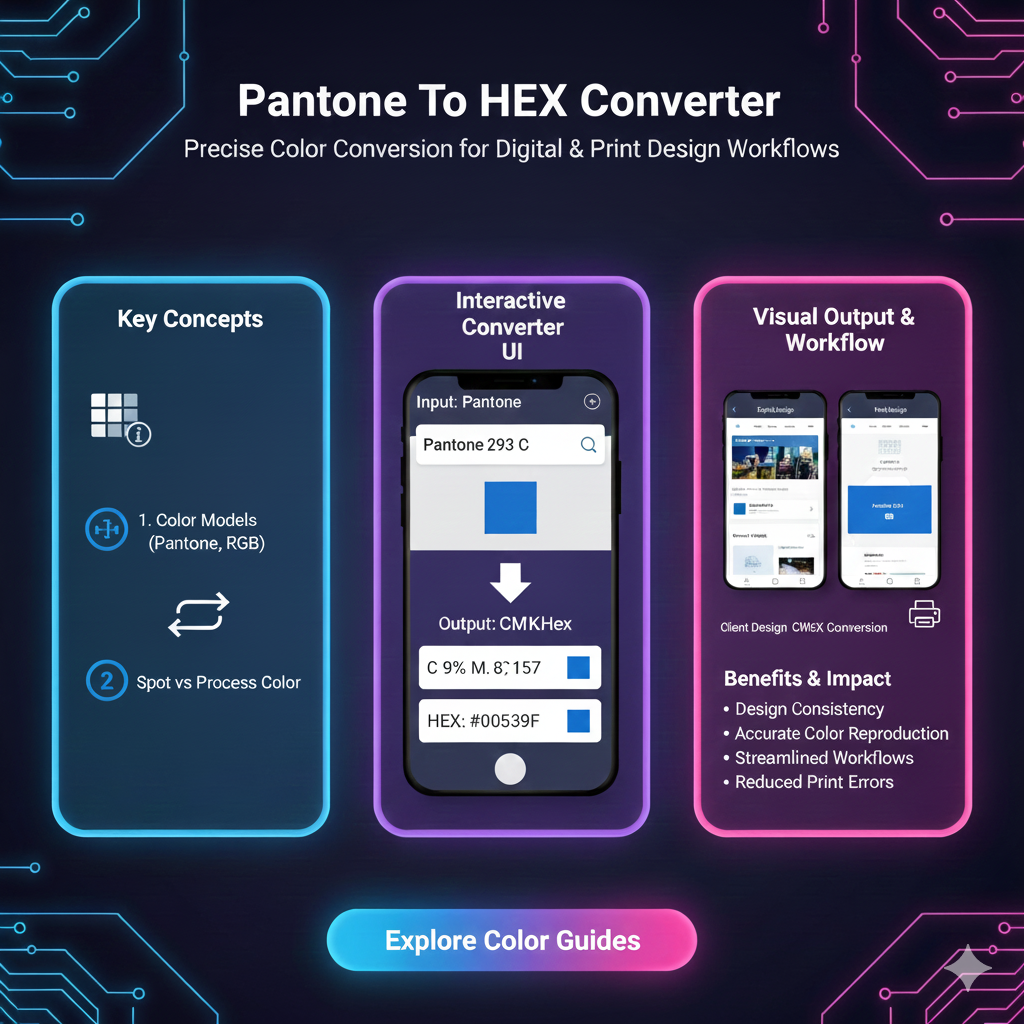
Stuck between Pantone and HEX? Our ultimate guide breaks down how to convert Pantone to HEX for flawless web & digital design. Get tips, tools, and best practices inside
Pantone to HEX Converter: How to Bridge the Gap Between Physical & Digital Color (Without Losing Your Mind)
Let’s be real for a second. You’ve got this killer brand color. It’s on your business cards, your merch, it’s literally printed on a coffee mug you love. It’s defined by a magical, authoritative code like Pantone 19-4052 Classic Blue or PMS 225 C.
Then, you go to update your website, design a social media graphic, or hand off specs to a web developer, and they hit you with: “Hey, what’s the HEX code for that?”
Cue the internal panic. Is it #0F4C81? Or maybe #1B4D8C? A quick Google search gives you five different answers. Suddenly, your iconic, consistent brand color is looking about as stable as a TikTok trend.
Welcome to the classic designer’s dilemma: translating the tangible, ink-based world of Pantone into the luminous, pixel-based universe of HEX. This isn't just a technical step—it's about keeping your brand’s vibe intact across every single screen.
So, let’s break down this Pantone-to-HEX conversion thing together. No jargon-filled nonsense, just a straight-talking guide on how to navigate this, why it’s kinda tricky, and how to get the best possible result.
Wait, Back Up. What Even Are Pantone and HEX?
Before we convert anything, let's get our terms straight.
Pantone (PMS - Pantone Matching System):
Think of Pantone as the ultimate color authority for the physical world. It’s a standardized color reproduction system, mostly for printing. Each Pantone shade is pre-mixed from a specific recipe of base inks. That means PMS 225 C looks identical on paper in Tokyo or Toronto. It’s the gold standard for branding, packaging, and any material that gets printed. It’s about ink on paper.
HEX (Hexadecimal Color Code):
HEX lives entirely in the digital world. It’s a six-digit code (like #FF6B6B) that tells your screen’s red, green, and blue (RGB) pixels how brightly to shine to create a specific color. Every device—your phone, your laptop, your cheap monitor—interprets this code slightly differently (that’s a whole other rabbit hole about color calibration). It’s about light on screens.
So, fundamentally, we’re trying to translate a color made of ink into a color made of light. This is why a “perfect” 1:1 match is often a myth, but a very close and effective match is totally achievable.
Why Can’t We Just Have One Universal Color System? (The Drama)
This isn't just to make our lives complicated. It’s physics and purpose.
Different Color Models: Pantone is based on inks (a subtractive model—mixing absorbs light). HEX/RGB is based on light (an additive model—mixing creates light). Some vibrant, neon Pantone inks simply cannot be reproduced by the limited gamut of an RGB screen. Conversely, some crazy-bright screen colors can’t be replicated with standard CMYK or Pantone inks.
The Medium is the Message: A glossy Pantone swatch reflects light. Your matte laptop screen emits light. They are inherently different experiences.
The “Close Enough” Reality: For most brand colors (your blues, reds, greens, neutrals), we can get stunningly close. The goal is to find the HEX code that is the best digital ambassador for your physical color.
How to Convert Pantone to HEX: Your Toolkit
Alright, let’s get practical. You have a Pantone code. You need a HEX. Here are your moves, from easiest to most pro.
1. The Digital Tools (The Fast & Common Route)
This is where most of us live. You’ll find tons of online converters and plugins.
Online Converters: Sites like ColorSnap by Sherwin-Williams, Pantone’s own color finder tools (though they often push to CMYK/RGB first), or dedicated design community sites. Just type in your Pantone number.
Adobe Software: In Illustrator or Photoshop, open the color libraries (
Window > Swatch Libraries > Color Books > [Your Pantone Book]). Select your Pantone swatch. Then, change the color mode of your document or that swatch to RGB. The color picker will show you the RGB values, which you can then easily translate to HEX (it’s usually displayed right there).
⚠️ The Big Caveat: Different tools give different results. Always cross-reference. If Tool A says #1A2B3C and Tool B says #1B2C3D, you’ll need to…
2. The Eyeball Test (The Essential Reality Check)
This is non-negotiable for brand-critical work.
Get your physical Pantone swatch (the Color Bridge guides are ideal—they show you the Pantone spot color alongside its closest CMYK and RGB simulations).
Use a digital color picker tool (like the Digital Color Meter on Mac or a browser extension like ColorZilla) on the RGB simulation in the guide.
Apply that HEX on a well-calibrated screen.
Hold the swatch next to the screen in good, neutral light. Tweak the HEX values slightly until your eye says “Yep, that’s it.” Your eye is the final judge.
3. The “Brand Safe” Method (For Absolute Consistency)
For ultra-important colors (primary brand colors), don’t just pick one HEX. Define a digital color palette that includes:
Primary HEX:
#2A5BAA(Your best-match Pantone conversion)Accessible Alternatives:
#1E4A8C(darker for contrast),#5A8FD6(lighter). This gives flexibility for UI states (hovers, active buttons) while staying on-brand.RGB & HSL Values: List these alongside the HEX for developers who might work in other formats.
Real-World Use Cases: Where This Actually Matters
Brand Style Guides: Your guide must have both PMS for print (business cards, brochures) and HEX/RGB for digital (website, app, social avatars).
Web Design & Development: Developers build with HEX codes. Giving them the correct one ensures the website matches your printed materials.
Social Media & Digital Marketing: Every post, story, ad, or YouTube thumbnail needs HEX-based colors to keep your visual identity tight.
Product Design: If you’re launching a physical product (with a Pantone color) and a companion app (HEX), the colors need to feel like they’re from the same universe.
Best Practices & Pro Tips
Start Digital? Increasingly, brands are born online. If that’s you, choose your HEX first using digital tools, then find the closest Pantone match for print. It’s often easier.
Use Pantone Color Bridge Guides: This is the single best investment for anyone dealing with this crossover. It shows you the official Pantone-recommended screen simulation right next to the ink.
Mind the Context: A color looks different on a dark-mode app vs. a white website background. Test your HEX in its actual environment.
Accept the Inevitable: Know that a metallic or fluorescent Pantone will never look right digitally. For those, you might choose a complementary or evocative digital color instead of a failed direct match.
Document Everything: Once you’ve landed on your HEX pairings, save them in a central, living document (like your brand’s Notion or Figma file). End the guesswork for everyone on the team.
FAQs (The Stuff You’re Actually Searching)
Q: Is there an official Pantone to HEX conversion chart?
A: Not really. Pantone provides suggested RGB/HEX values in their Color Bridge guides and digital tools, but they’re approximations. The “official” match is the ink swatch itself.
Q: Why does my Pantone color look different on my phone vs. my laptop?
A: That’s a device calibration issue, not a HEX code issue. Screens vary wildly. The HEX code is the instruction, but each screen executes it differently. Aim for consistency across professionally calibrated devices.
Q: Can I convert HEX to Pantone just as easily?
A: You can, but with even more caveats. Many HEX colors (especially very bright or light ones) fall outside the printable Pantone gamut. The converter will give you the closest possible, which may be noticeably duller.
Q: What’s the difference between HEX, RGB, and HSL?
A: They’re all digital formats! HEX is a hex code for RGB. RGB (Red, Green, Blue) uses number values (0-255). HSL (Hue, Saturation, Lightness) is more human-readable. They all describe the same screen color, just in different languages. HEX is just the web’s favorite.
Wrapping It Up: It’s About Harmony, Not Perfection
Converting Pantone to HEX isn’t a pure science—it’s a design skill. It’s about understanding the limitations of both mediums and finding the sweet spot where your brand feels cohesive, whether someone is holding your product or scrolling through your feed.
Stop stressing about a perfect pixel-for-ink match. Instead, focus on consistent brand perception. Use the tools, do the eyeball test, document your decisions, and build a color system that works hard for you across all platforms.
Your brand’s color is a feeling. Our job is to translate that feeling as faithfully as possible, from the palm of their hand to the glow of their screen.
Got a Pantone color that’s been giving you digital headaches? Drop the code in the comments below, and let’s crowdsource some HEX options